March 22, 2026What's New in Days SinceCatch up on the latest features, improvements, and fixes in Days Since.Read article →
March 21, 2026Countdown with SiriAsk Siri You can now ask Siri for any countdown in Days Since without opening the app! Just say “Hey Siri…” and ask your question.Read article →
December 14, 2020One Purchase. Every Feature. Unlimited Fun.Upgrade once and enjoy every premium feature . Ad-Free Experience 🚫 Enjoy your countdowns without distractions.Read article →14. prosince 2020Jedna platba. Všechny funkce. Neomezená zábava.Aktualizujte jednou a užijte si všechny prémiové funkce. Bez reklam 🚫 Užijte si odpočty bez rozptylování.Přečíst článek →11. Oktober 2025Einmal kaufen. Alle Funktionen. Unbegrenzter Spaß.Einmal upgraden und alle Premiumfunktionen genießen. Werbefreie Nutzung 🚫 Genieße deine Countdowns ohne Ablenkungen.Artikel lesen →14 December 2020One Purchase. Every Feature. Unlimited Fun.Upgrade once and enjoy every premium feature . Ad-Free Experience 🚫 Enjoy your countdowns without distractions.Read article →11 de octubre de 2025Compra única. Todas las funciones. Diversión ilimitada.Actualiza una vez y disfruta de todas las funciones premium. Experiencia sin anuncios 🚫 Disfruta tus cuentas regresivas sin distracciones.Leer artículo →21 mars 2026Un seul achat. Toutes les fonctionnalités. Plaisir illimité.Passez à la version premium une seule fois et profitez de toutes les fonctionnalités avancées.Lire l’article →21 marzo 2026Un solo acquisto. Tutte le funzionalità. Divertimento illimitato.Passa alla versione premium una sola volta e goditi tutte le funzionalità avanzate.Leggi l’articolo →14 december 2020Één aankoop. Alle functies. Eindeloos plezier.Upgrade één keer en geniet van alle premium functies. Ad-Free Experience 🚫 Geniet van je aftellingen zonder afleidingen.Artikel lezen →14 grudnia 2020Jedno zakupy. Wszystkie funkcje. Nieograniczona zabawa.Zaktualizuj raz i ciesz się wszystkimi funkcjami premium. Brak reklam 🚫 Ciesz się swoimi odliczaniem bez rozpraszaczy.Przeczytaj artykuł →14 de dezembro de 2020Uma compra. Todas as funcionalidades. Diversão ilimitada.Faça uma atualização e desfrute de todas as funcionalidades premium. Experiência sem anúncios 🚫 Desfrute das suas contagens decrescente sem distrações.Ler artigo →14 december 2020Ett köp. Alla funktioner. Obegränsad underhållning.Uppgradera en gång och njut av alla premiumfunktioner. Annonsfri upplevelse 🚫 Njut av dina nedräkningar utan störningar.Läs artikeln →
December 14, 2020Go Ad-Free & Unlock WidgetsLearn more about unlocking widgets with the ad-free version of Days Since.Read article →12. Oktober 2025Werbefrei werden & Widgets freischaltenUpgrade zu einem günstigen Einmalpreis und genieße eine aufgeräumtere, leistungsstärkere Countdown-Erfahrung: Werbefrei für immer Keine Unterbrechungen .Artikel lesen →12 de octubre de 2025Quita los anuncios y desbloquea widgetsActualiza por un precio único y bajo y disfruta de una experiencia de cuenta regresiva más limpia y potente: Sin anuncios para siempre Sin interrupciones.Leer artículo →21 mars 2026Passez sans publicité et débloquez les widgetsPassez à la version supérieure pour un prix unique avantageux et profitez d’une expérience de compte à rebours plus propre et plus puissante: Sans.Lire l’article →21 marzo 2026Rimuovi gli annunci e sblocca i widgetPassa alla versione premium con un piccolo pagamento una tantum e goditi un’esperienza di conto alla rovescia più pulita e potente: Senza pubblicità per.Leggi l’articolo →
March 8, 2026Reporting AdsIf you come across an advertisement in the app that seems inappropriate, misleading, or offensive, the best way to address it is by reporting it directly.Read article →
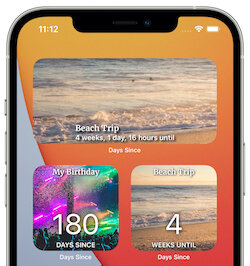
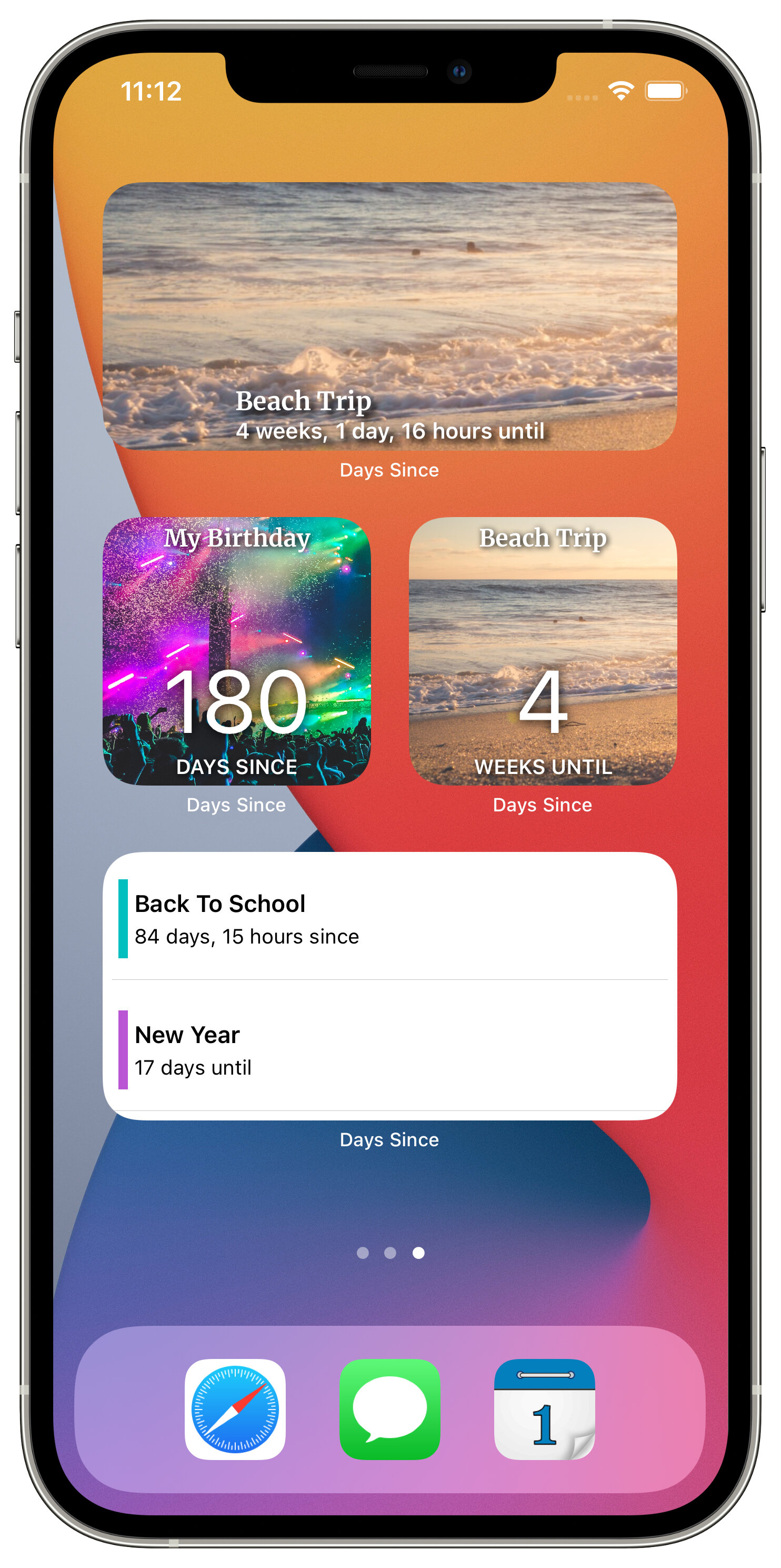
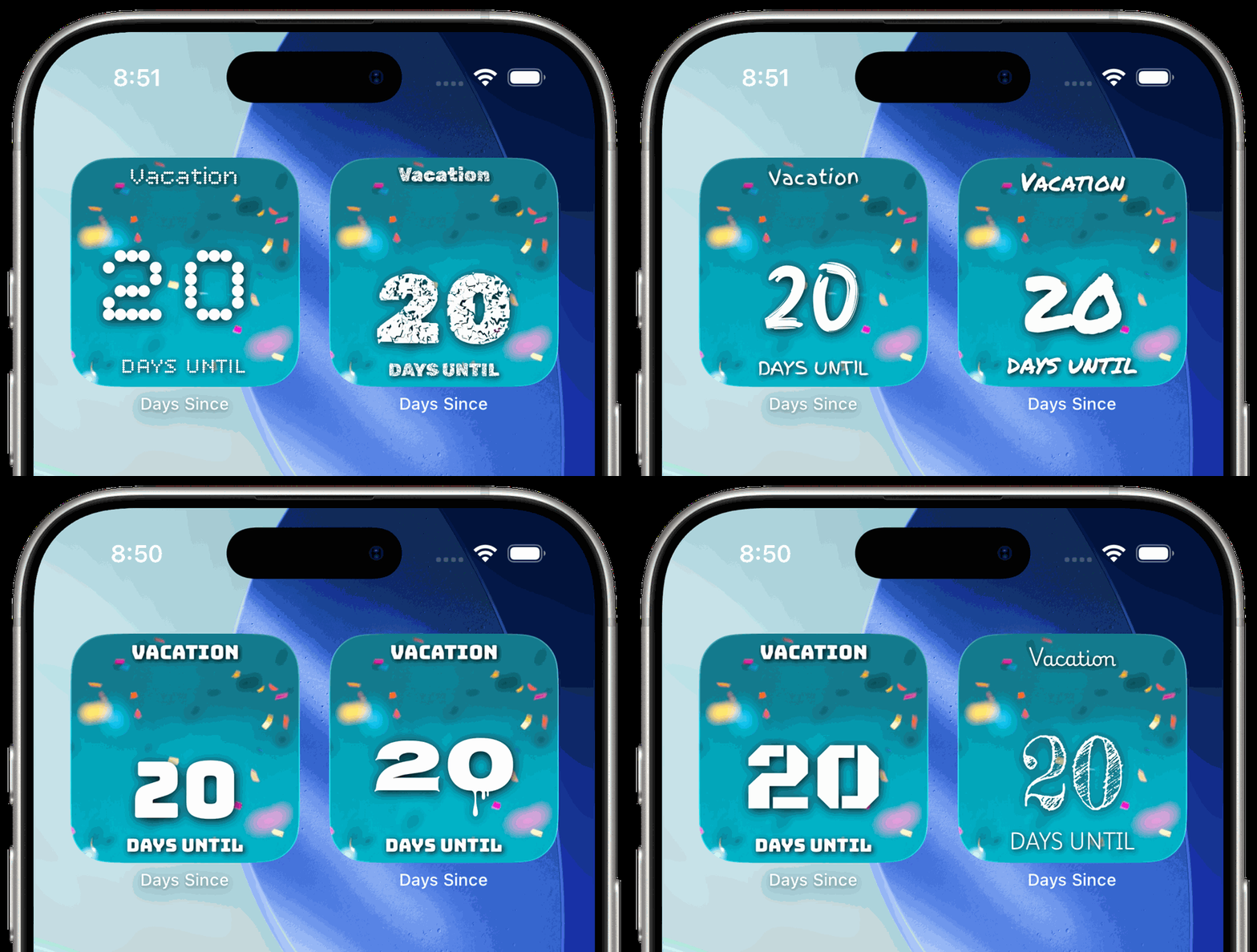
March 7, 2026Widget StylesCustomize Your Home Screen Widget Style You can now personalize how your Home Screen widgets look.Read article →7. März 2026Widget-StilePasse den Stil deines Home-Screen-Widgets an Du kannst jetzt personalisieren, wie deine Home-Screen-Widgets aussehen.Artikel lesen →7 de marzo de 2026Estilos de widgetsPERSONALIZA EL ESTILO DEL WIDGET DE TU PANTALLA DE INICIO Ahora puedes personalizar cómo se ven los widgets en tu pantalla de inicio.Leer artículo →
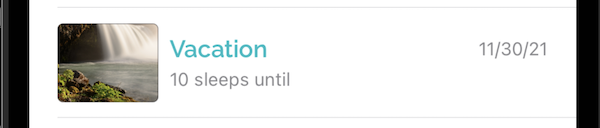
September 29, 2025What's New in Days Since - ArchiveVersion 6.7.0 NEW TIME FORMAT Sleeps - You can now countdown to or up from a date in “sleeps”.Read article →
February 24, 2025Removing Countdowns from iCloudIf you’re logged into iCloud on your device, Days Since stores your events in your personal iCloud account for your privacy and security.Read article →
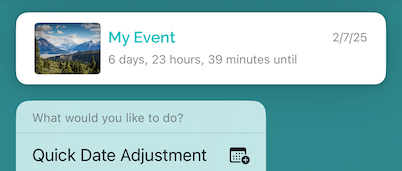
February 11, 2025Quickly Adjust a Countdown's DateCounting down to a birthday or anniversary that just passed? With our new Quick Date Adjustment action you can easily reschedule it to next year!Read article →
February 26, 2024Fix Countdowns that Aren't SavingDon’t swipe up on Days Since when you’re done. iOS syncs your changes to the cloud about a minute after the change is made.Read article →
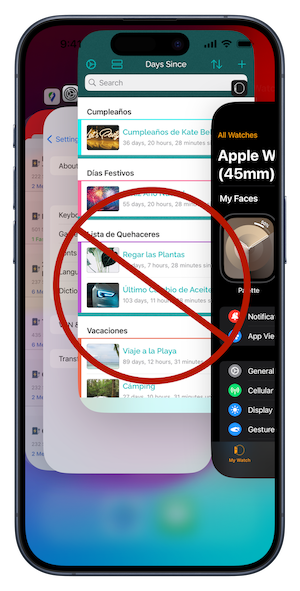
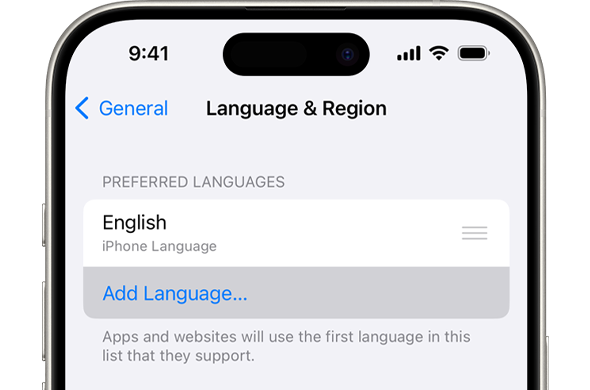
February 26, 2024Changing the LanguageDays Since supports both English and Spanish. If your app is displaying the wrong language or you’d like to change to a different language, you can follow.Read article →
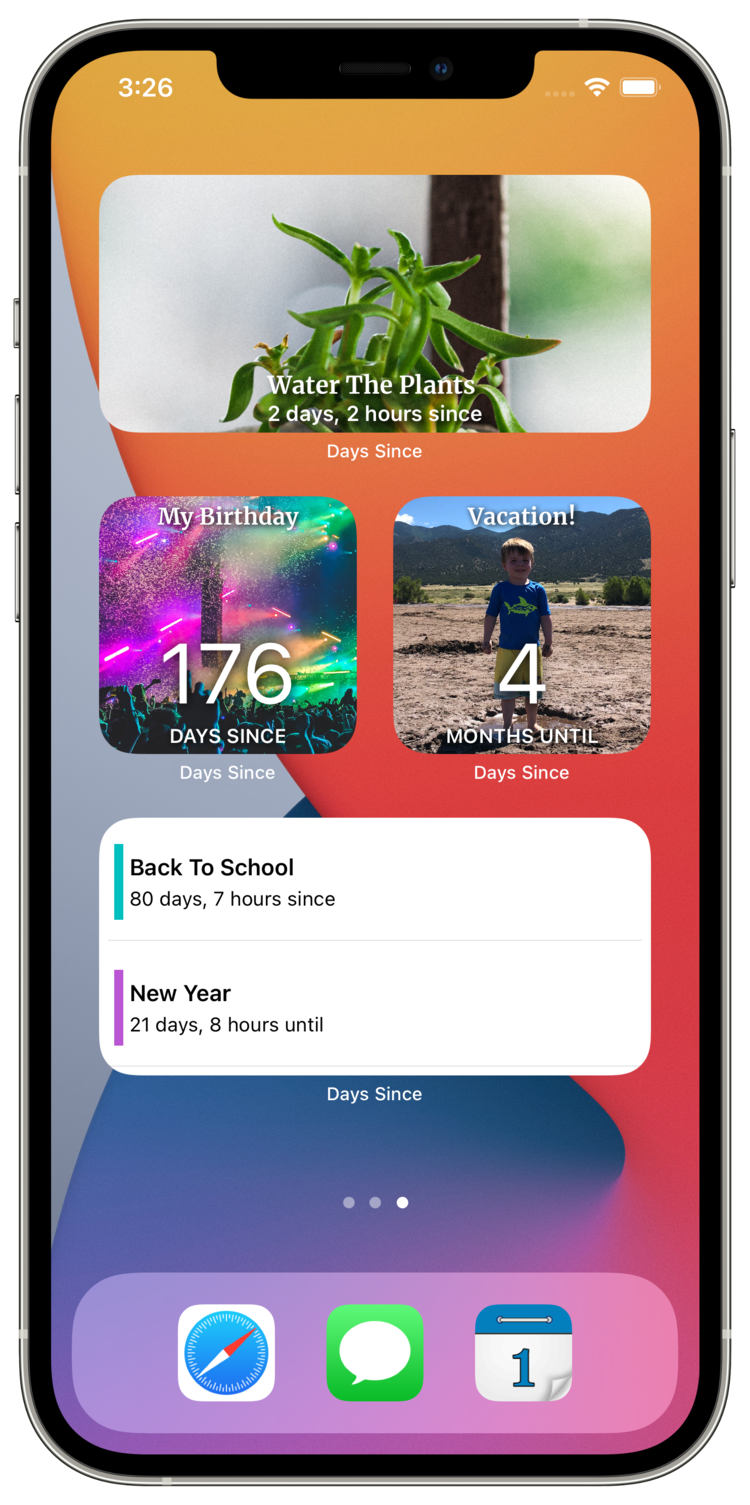
February 1, 2024Widget FAQsHow can I add widgets to my Home Screen & Lock Screen? Days Since users who have unlocked widgets can add them to their Home Screen or Lock Screen by.Read article →1. února 2024Časté dotazy k widgetůmJak mohu přidat widgety na svou plochu a obrazovku uzamčení? Uživatelé Days Since, kteří mají odemčené widgety, si je mohou přidat na svou domovskou obrazovku nebo zamykací obrazovku. Obrazovka?Přečíst článek →1. Februar 2024Widget-FAQsWie kann ich Widgets zu meinem Startbildschirm und Sperrbildschirm hinzufügen? Days Since Benutzer, die Widgets entsperrt haben, können diese zu ihrem Startbildschirm oder Sperrbildschirm hinzufügen, indem.Artikel lesen →1 February 2024Widget FAQsHow can I add widgets to my Home Screen & Lock Screen? Days Since users who have unlocked widgets can add them to their Home Screen or Lock Screen by.Read article →1 de febrero de 2024Preguntas frecuentes sobre widgets¿Cómo puedo agregar widgets a mi pantalla de inicio y pantalla de bloqueo? Days Since los usuarios que tienen widgets desbloqueados pueden agregarlos a su pantalla de inicio o pantalla de bloqueo mediante.Leer artículo →1 février 2024FAQ sur les WidgetsComment puis-je ajouter des widgets à mon écran d'accueil et à mon écran de verrouillage ? Les utilisateurs qui ont débloqué les widgets peuvent les ajouter à leur écran d'accueil ou à leur écran de verrouillage en.Lire l’article →1 febbraio 2024Domande frequenti sui widgetCome posso aggiungere widget alla schermata iniziale e alla schermata di blocco? Gli utenti di Days Since che hanno widget sbloccati possono aggiungerli alla schermata iniziale o alla schermata di blocco tramite.Leggi l’articolo →1 februari 2024Veelgestelde vragen over widgetsHoe kan ik widgets toevoegen aan mijn startscherm en vergrendelscherm? Days Since gebruikers die widgets hebben ontgrendeld, kunnen deze toevoegen aan hun startscherm of vergrendelscherm door.Artikel lezen →1 lutego 2024Często zadawane pytania dotyczące widżetówJak mogę dodać widżety do ekranu głównego i ekranu blokady? Days Since użytkownicy, którzy mają odblokowane widżety, mogą dodać je do swojego ekranu głównego lub ekranu blokady za pomocą.Przeczytaj artykuł →1 de fevereiro de 2024Perguntas frequentes sobre widgetsComo posso adicionar widgets ao meu Ecrã Principal e Ecrã de Bloqueio? Os utilizadores Days Since que desbloquearam widgets podem adicioná-los aos seus Ecrãs Principais ou Ecrãs de Bloqueio por.Ler artigo →1 februari 2024Widget-FAQHur kan jag lägga till widgets på min startskärm och låsskärm? Days Since-användare som har låst upp widgets kan lägga till dem på sin startskärm eller låsskärm genom.Läs artikeln →
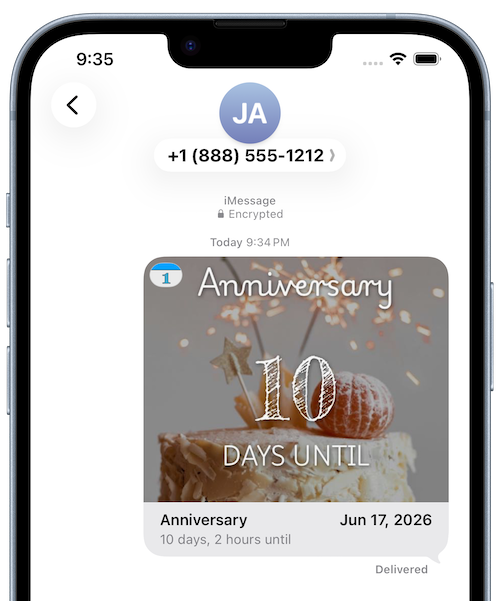
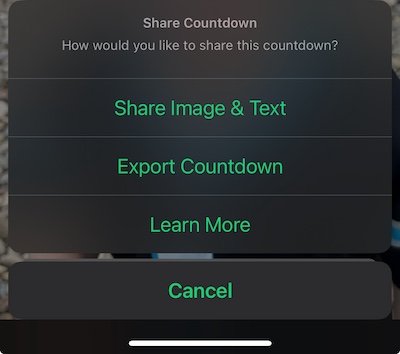
September 11, 2023Sharing CountdownsStarting with Version 7.5.0, you can now share your countdowns two different ways: Share Image This option allows you to share a screenshot of your.Read article →
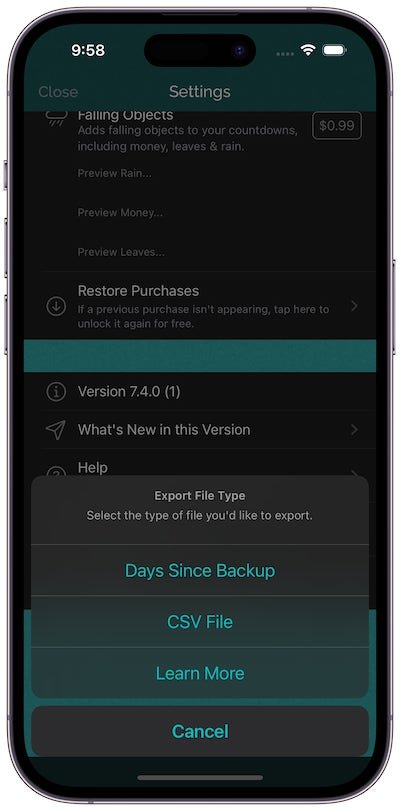
September 11, 2023Saving a Backup FileAlthough your countdowns are automatically stored in your private iCloud account, and the event of data loss is extremely unlikely, you can now save a Days.Read article →11. září 2023Zálohování souboruAčkoli jsou vaše odpočty automaticky uloženy ve vašem soukromém účtu iCloud, je velmi nepravděpodobné, že dojde ke ztrátě dat, nyní si můžete uložit Days.Přečíst článek →11. September 2023Speichern einer SicherungsdateiObwohl Ihre Countdowns automatisch in Ihrem privaten iCloud-Konto gespeichert werden und der Fall eines Datenverlusts äußerst unwahrscheinlich ist, können Sie jetzt einen Tag speichern.Artikel lesen →11 September 2023Saving a Backup FileAlthough your countdowns are automatically stored in your private iCloud account, and the event of data loss is extremely unlikely, you can now save a Days.Read article →11 de septiembre de 2023Guardar un archivo de copia de seguridadAunque sus cuentas regresivas se almacenan automáticamente en su cuenta privada iCloud y el evento de pérdida de datos es extremadamente improbable, ahora puede guardar un Días.Leer artículo →11 septembre 2023Enregistrement d'un fichier de sauvegardeBien que vos comptes à rebours soient automatiquement stockés dans votre compte privé iCloud et qu'un cas de perte de données soit extrêmement improbable, vous pouvez désormais enregistrer un jour.Lire l’article →11 settembre 2023Salvataggio di un file di backupSebbene i tuoi conti alla rovescia vengano automaticamente archiviati nel tuo account privato iCloud e l'evento di perdita di dati sia estremamente improbabile, ora puoi salvare un file di backup Giorni.Leggi l’articolo →11 september 2023Een back-upbestand opslaanHoewel uw aftellingen automatisch worden opgeslagen in uw privé iCloud account en het geval van gegevensverlies uiterst onwaarschijnlijk is, kunt u nu een Dagen.Artikel lezen →11 września 2023Zapisywanie pliku kopii zapasowejChociaż odliczanie jest automatycznie zapisywane na Twoim prywatnym koncie iCloud, a utrata danych jest bardzo mało prawdopodobna, możesz teraz zapisać Dni.Przeczytaj artykuł →11 de setembro de 2023Guardar um Ficheiro de BackupEmbora as suas contagens decrescente sejam automaticamente armazenadas na sua conta privada iCloud, e o evento de perda de dados seja extremamente improvável, agora pode guardar uma Days.Ler artigo →11 september 2023Spara en säkerhetskopiafilÄven om dina nedräkningar automatiskt lagras i ditt privata iCloud-konto, och händelsen av dataförlust är extremt osannolik, kan du nu spara några dagar.Läs artikeln →
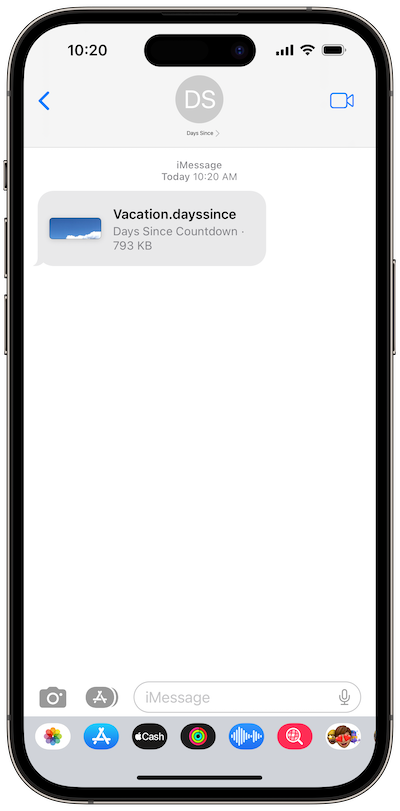
September 11, 2023Opening Days Since Filesopen a countdown Follow the steps below to open a countdown that was shared with you through a text message or e-mail.Read article →11. září 2023Otevření Days Since souborůotevřít odpočet Postupujte podle níže uvedených kroků pro otevření odpočtu, který vám byl sdílen prostřednictvím textové zprávy nebo e-mailu.Přečíst článek →11. September 2023Öffnen von Days Since-DateienÖffnen Sie einen Countdown. Führen Sie die folgenden Schritte aus, um einen Countdown zu öffnen, der Ihnen per SMS oder E-Mail mitgeteilt wurde.Artikel lesen →11 September 2023Opening Days Since Filesopen a countdown Follow the steps below to open a countdown that was shared with you through a text message or e-mail.Read article →11 de septiembre de 2023Abrir Days Since Archivosabrir una cuenta regresiva Siga los pasos a continuación para abrir una cuenta regresiva que se compartió con usted a través de un mensaje de texto o correo electrónico.Leer artículo →11 septembre 2023Ouverture Days Since Fichiersouvrir un compte à rebours Suivez les étapes ci-dessous pour ouvrir un compte à rebours qui a été partagé avec vous via un message texte ou un e-mail.Lire l’article →11 settembre 2023Apertura Days Since Fileapri un conto alla rovescia Segui i passaggi seguenti per aprire un conto alla rovescia che è stato condiviso con te tramite un messaggio di testo o un'e-mail.Leggi l’articolo →11 september 2023Openen van Days Since Bestandeneen aftelling openen Volg de onderstaande stappen om een aftelling te openen die met u is gedeeld via een sms-bericht of e-mail.Artikel lezen →11 września 2023Otwieranie Days Since Plikiotwórz odliczanie Wykonaj poniższe kroki, aby otworzyć odliczanie udostępnione Ci w wiadomości tekstowej lub e-mailu.Przeczytaj artykuł →11 de setembro de 2023Abrir Ficheiros Days Sinceabrir uma contagem Siga os passos abaixo para abrir uma contagem que lhe foi partilhada através de uma mensagem de texto ou e-mail.Ler artigo →11 september 2023Öppna Days Since fileröppna en nedräkning Följ stegen nedan för att öppna en nedräkning som delades med dig via ett textmeddelande eller e-post.Läs artikeln →
October 31, 2021Troubleshoot iCloud SyncingiCloud Syncing For your security and privacy, your countdowns are stored in your personal iCloud account.Read article →31. října 2021Řešení problémů se iCloud synchronizacíiCloud Synchronizace Pro vaši bezpečnost a soukromí jsou vaše odpočty uloženy ve vašem osobním iCloud účtu.Přečíst článek →31. Oktober 2021Fehlerbehebung iCloud SynchronisierungiCloud Synchronisierung Zu Ihrer Sicherheit und Privatsphäre werden Ihre Countdowns in Ihrem persönlichen iCloud gespeichert. Konto.Artikel lesen →31 October 2021Troubleshoot iCloud SyncingiCloud Syncing For your security and privacy, your countdowns are stored in your personal iCloud account.Read article →31 de octubre de 2021Solución de problemas iCloud SincronizacióniCloud Sincronización Para su seguridad y privacidad, sus cuentas regresivas se almacenan en su iCloud personal cuenta.Leer artículo →31 octobre 2021Dépannage iCloud SynchronisationiCloud Synchronisation Pour votre sécurité et votre confidentialité, vos comptes à rebours sont stockés dans votre compte à rebours personnel iCloud compte.Lire l’article →31 ottobre 2021Risoluzione dei problemi iCloud SincronizzazioneiCloud Sincronizzazione Per la tua sicurezza e privacy, i tuoi conti alla rovescia sono archiviati nel tuo iCloud personale account.Leggi l’articolo →31 oktober 2021Problemen oplossen met iCloud SynchronisereniCloud Synchroniseren Voor uw veiligheid en privacy worden uw aftellingen opgeslagen in uw persoonlijke iCloud account.Artikel lezen →31 października 2021Rozwiązywanie problemów iCloud SynchronizacjaiCloud Synchronizacja Dla Twojego bezpieczeństwa i prywatności Twoje odliczania są przechowywane w Twoim osobistym iCloud konto.Przeczytaj artykuł →31 de outubro de 2021Resolução de problemas da sincronização iCloudSincronização iCloud Para a sua segurança e privacidade, as suas contagens decrescente são armazenadas na sua conta pessoal iCloud.Ler artigo →31 oktober 2021Felsök iCloud-synkroniseringiCloud-synkronisering För din säkerhet och integritet lagras dina nedräkningar i ditt personliga iCloud-konto.Läs artikeln →
October 28, 2021Restore Missing EventsIf your events are no longer appearing, follow these steps to get them back.Read article →
December 24, 2020Restoring PurchasesIn Days Since, each in-app purchase you make is available across all of your devices.Read article →24. prosince 2020Obnovení nákupůVe Days Since je každý nákup v aplikaci, který provedete, dostupný na všech vašich zařízeních.Přečíst článek →24. Dezember 2020Käufe wiederherstellenIn Days Since ist jeder von Ihnen getätigte In-App-Kauf auf allen Ihren Geräten verfügbar.Artikel lesen →24 December 2020Restoring PurchasesIn Days Since, each in-app purchase you make is available across all of your devices.Read article →24 de diciembre de 2020Restauración de comprasEn Days Since, cada compra dentro de la aplicación que realice está disponible en todos sus dispositivos.Leer artículo →24 décembre 2020Restaurer les achatsDans Days Since, chaque achat via l'application que vous effectuez est disponible sur tous vos appareils.Lire l’article →24 dicembre 2020Ripristino degli acquistiIn Days Since, ogni acquisto in-app effettuato è disponibile su tutti i tuoi dispositivi.Leggi l’articolo →24 december 2020Aankopen herstellenIn Days Since is elke in-app-aankoop die u doet beschikbaar op al uw apparaten.Artikel lezen →24 grudnia 2020Przywracanie zakupówW Days Since każdy zakup w aplikacji jest dostępny na wszystkich Twoich urządzeniach.Przeczytaj artykuł →24 de dezembro de 2020Restauração de ComprasEm Days Since, cada compra dentro da aplicação que faz está disponível em todos os seus dispositivos.Ler artigo →24 december 2020Återställa köpI Days Since är varje köp i appen tillgängligt på alla dina enheter.Läs artikeln →
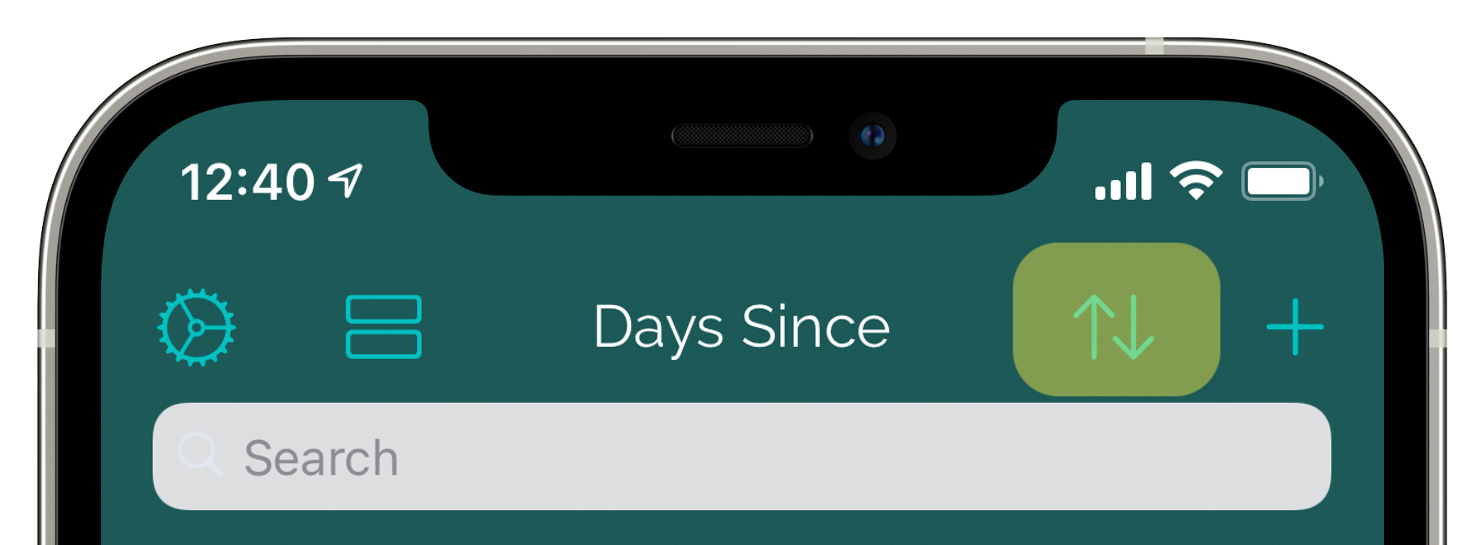
December 18, 2020Sorting CountdownsYour countdowns can be sorted three ways by tapping on the button shown below. Alphabetical Sorted by title, from A - Z Date Ascending Sorted by date, with.Read article →
June 27, 2018Color & Effects Pack: Make Every Countdown YoursUpgrade once for a burst of personality: pick the app’s accent color, use solid color backgrounds, and layer on animated effects that make every countdown.Read article →
May 28, 2018Countdown DataHow can I backup my countdowns? Your countdown data is automatically included in your device backups.Read article →