Always together
Sync & share
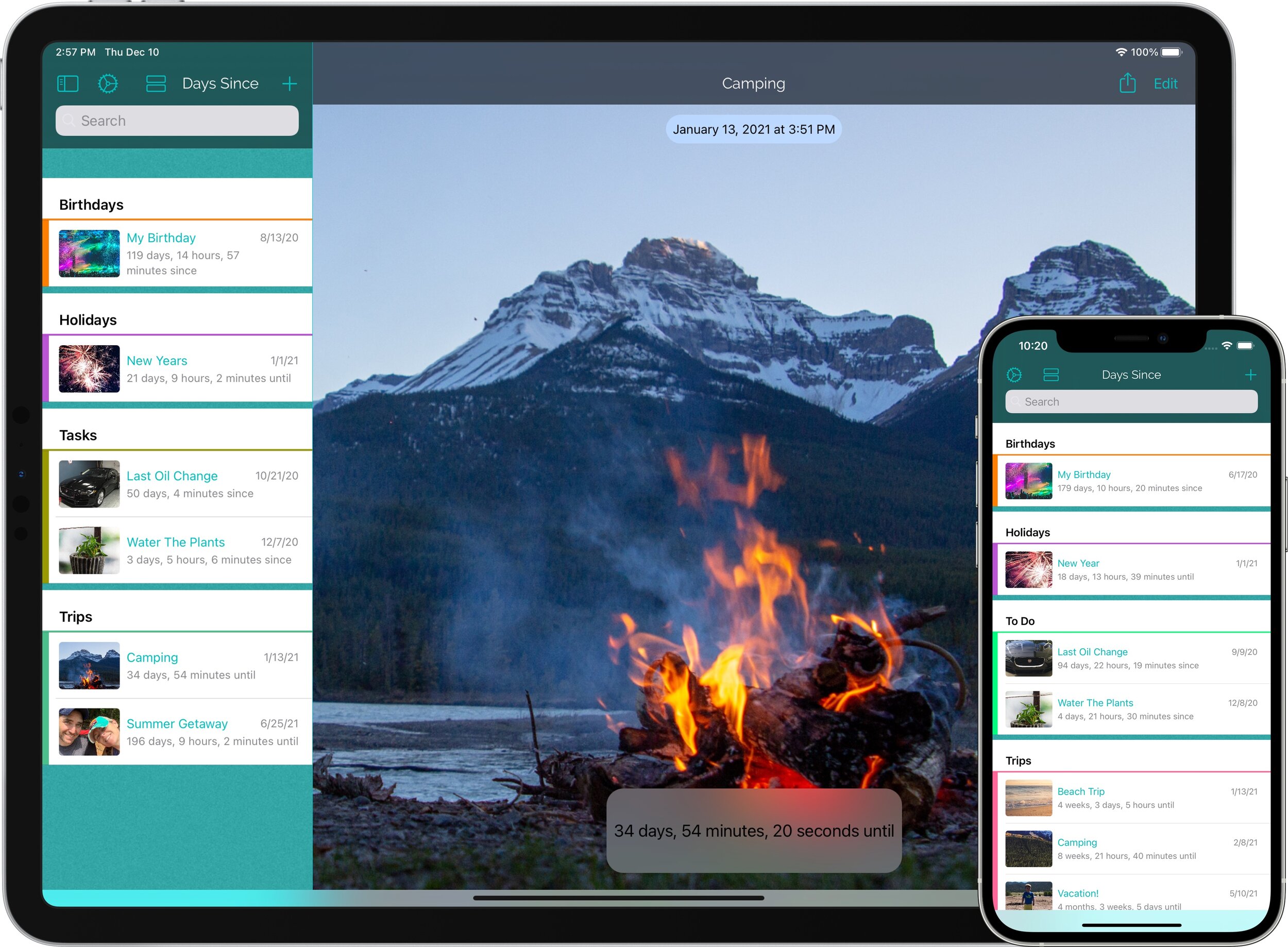
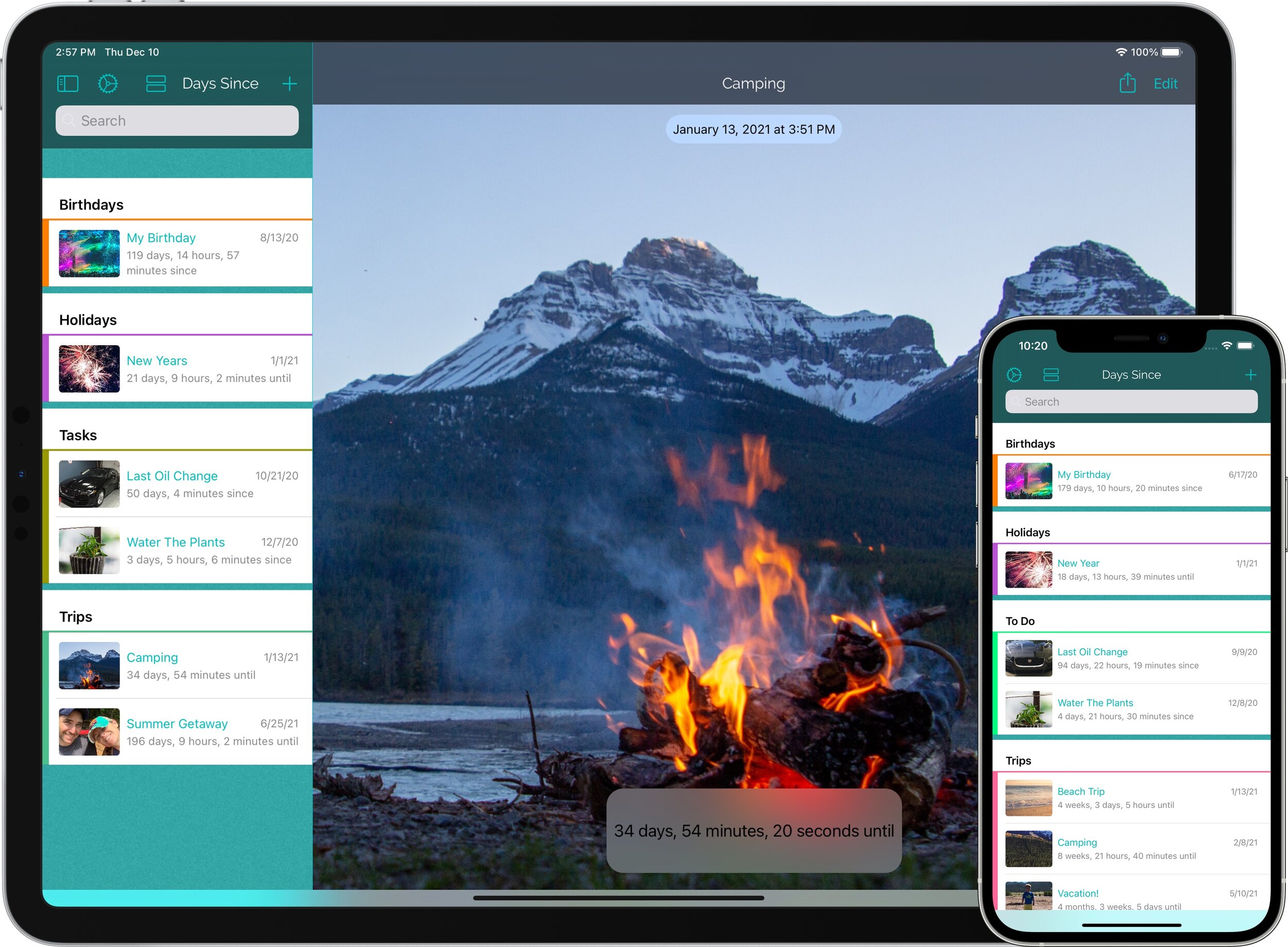
Your countdowns automatically sync between devices, including your Apple Watch. You can also AirDrop, text or email countdowns to your friends and family.
Count down or up to everything that matters

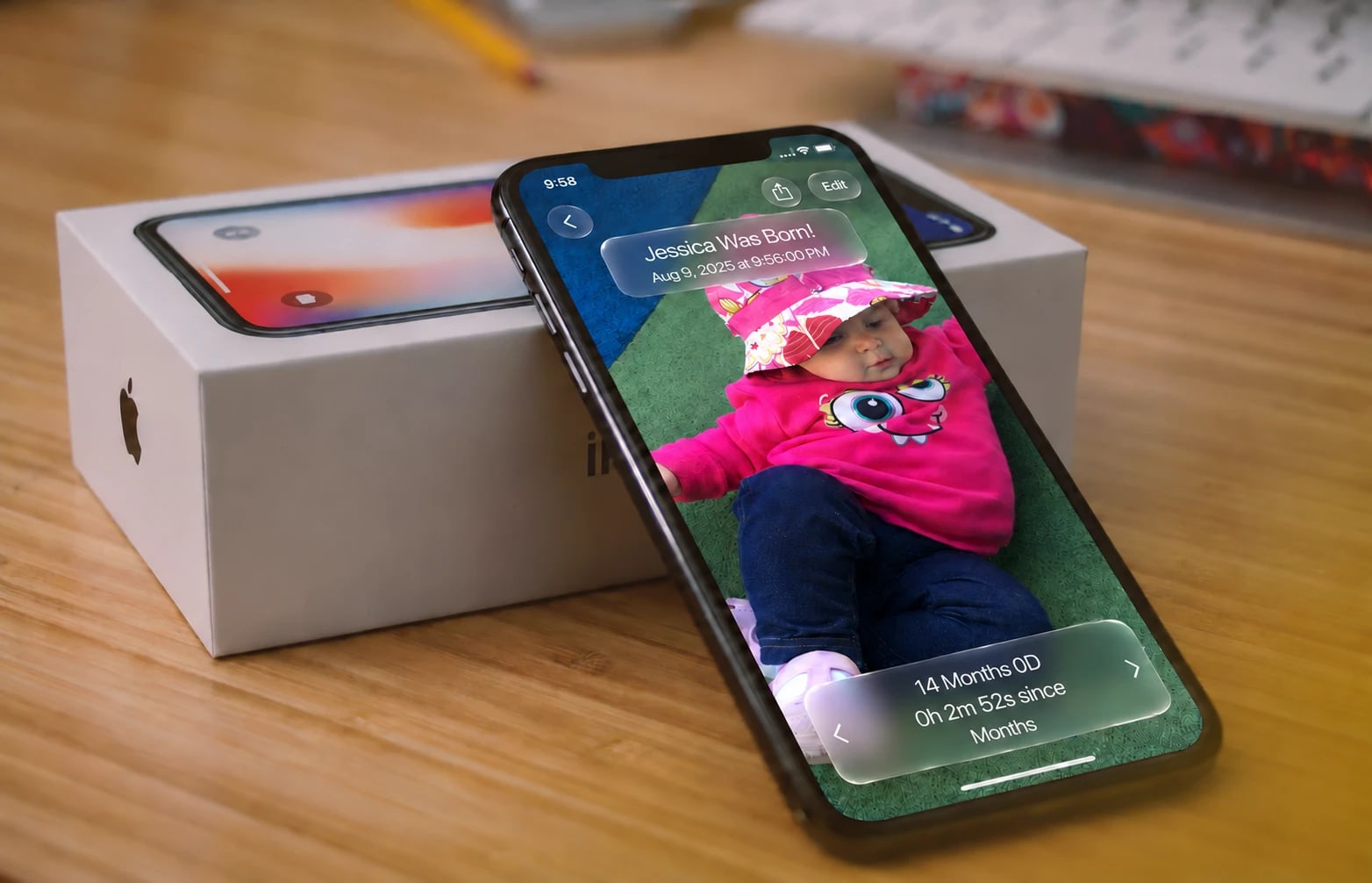
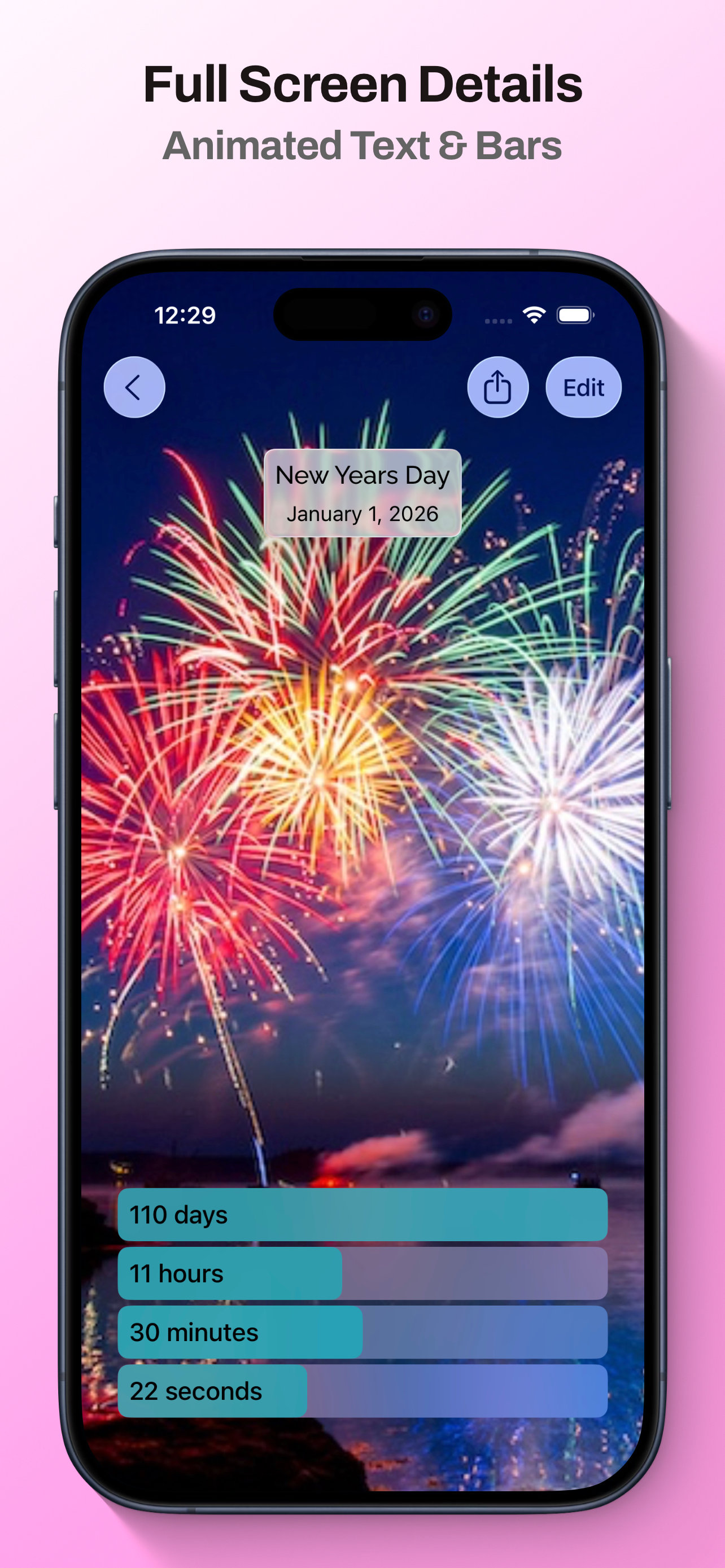
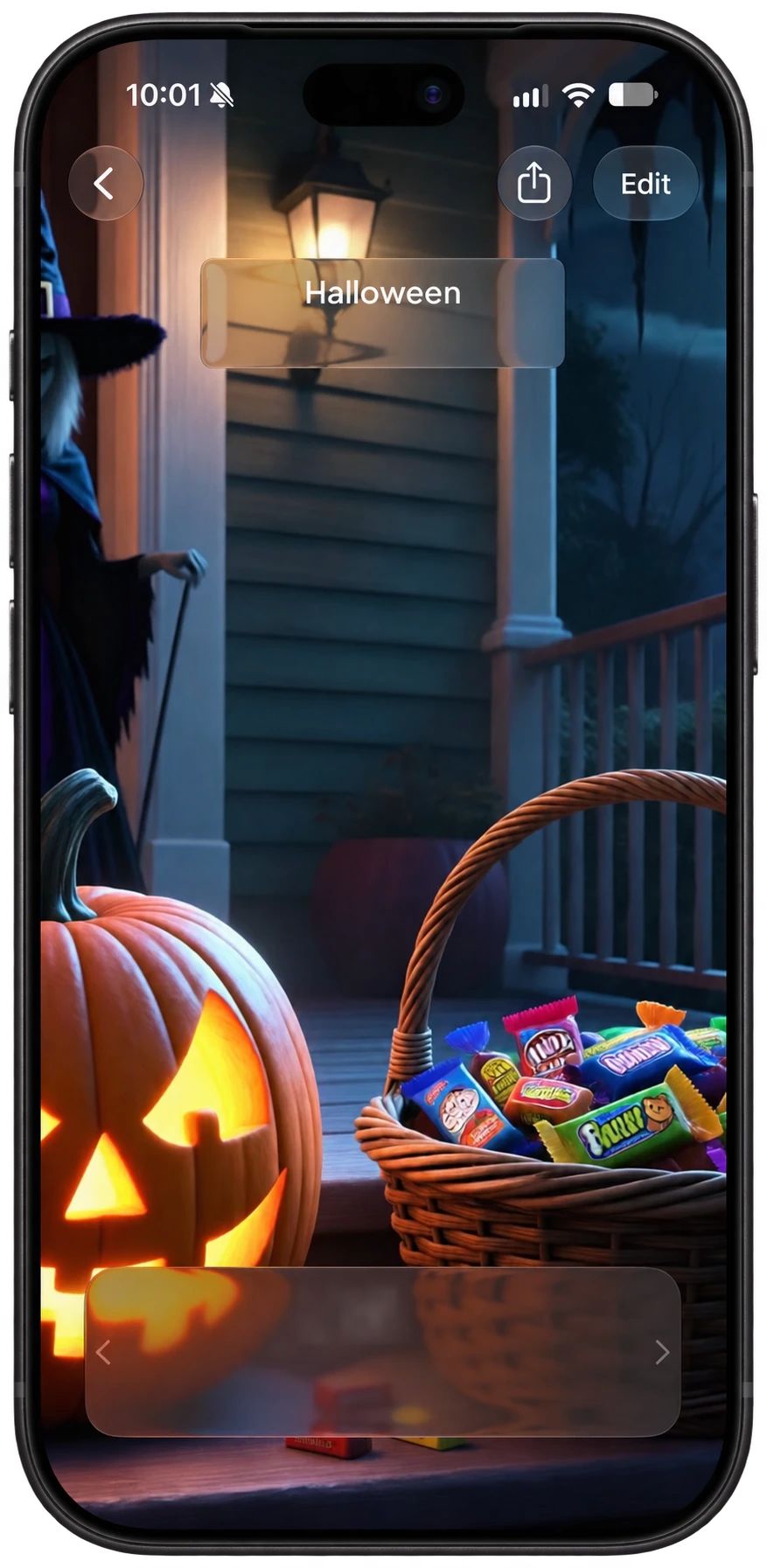
Count down from or up to any moment, viewing time in seconds, minutes, hours, days, weeks, months or years.
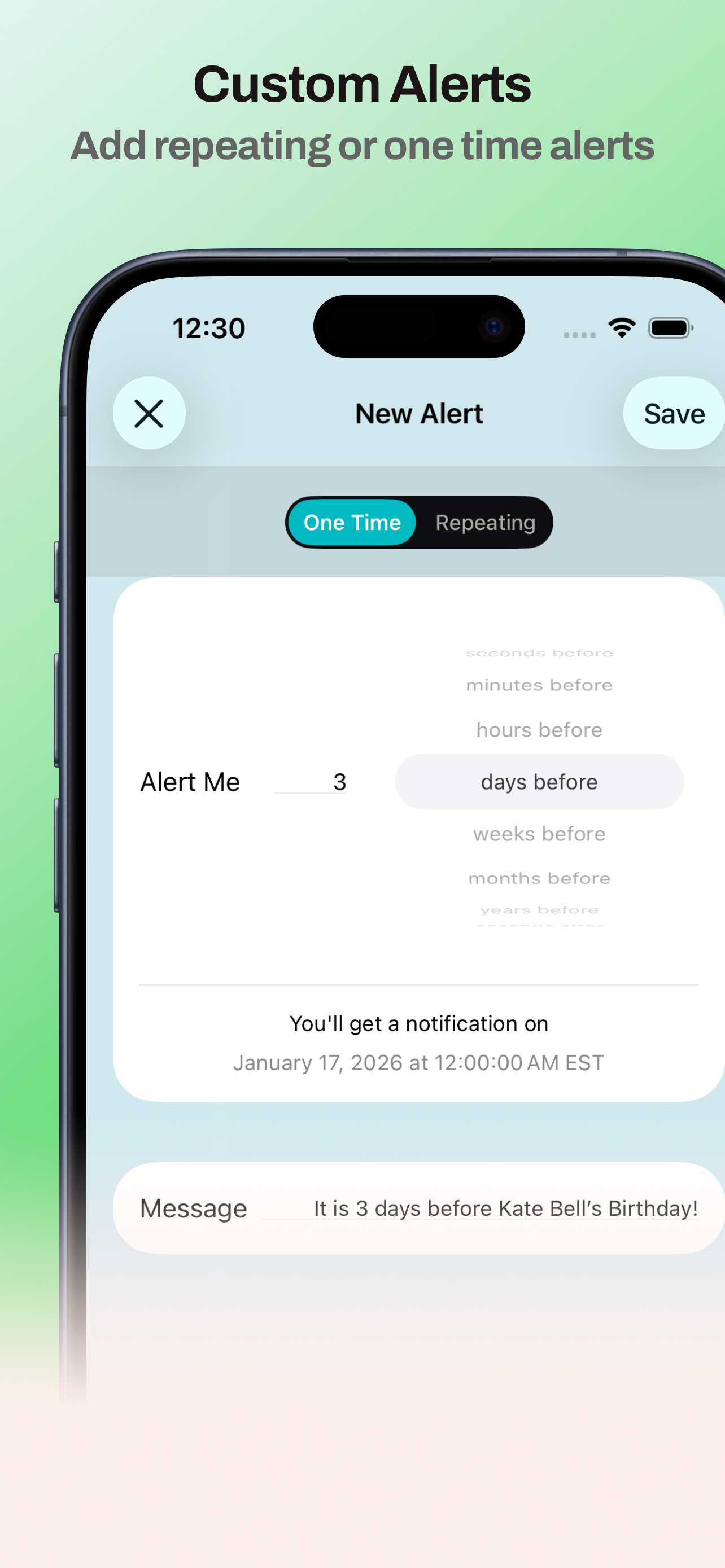
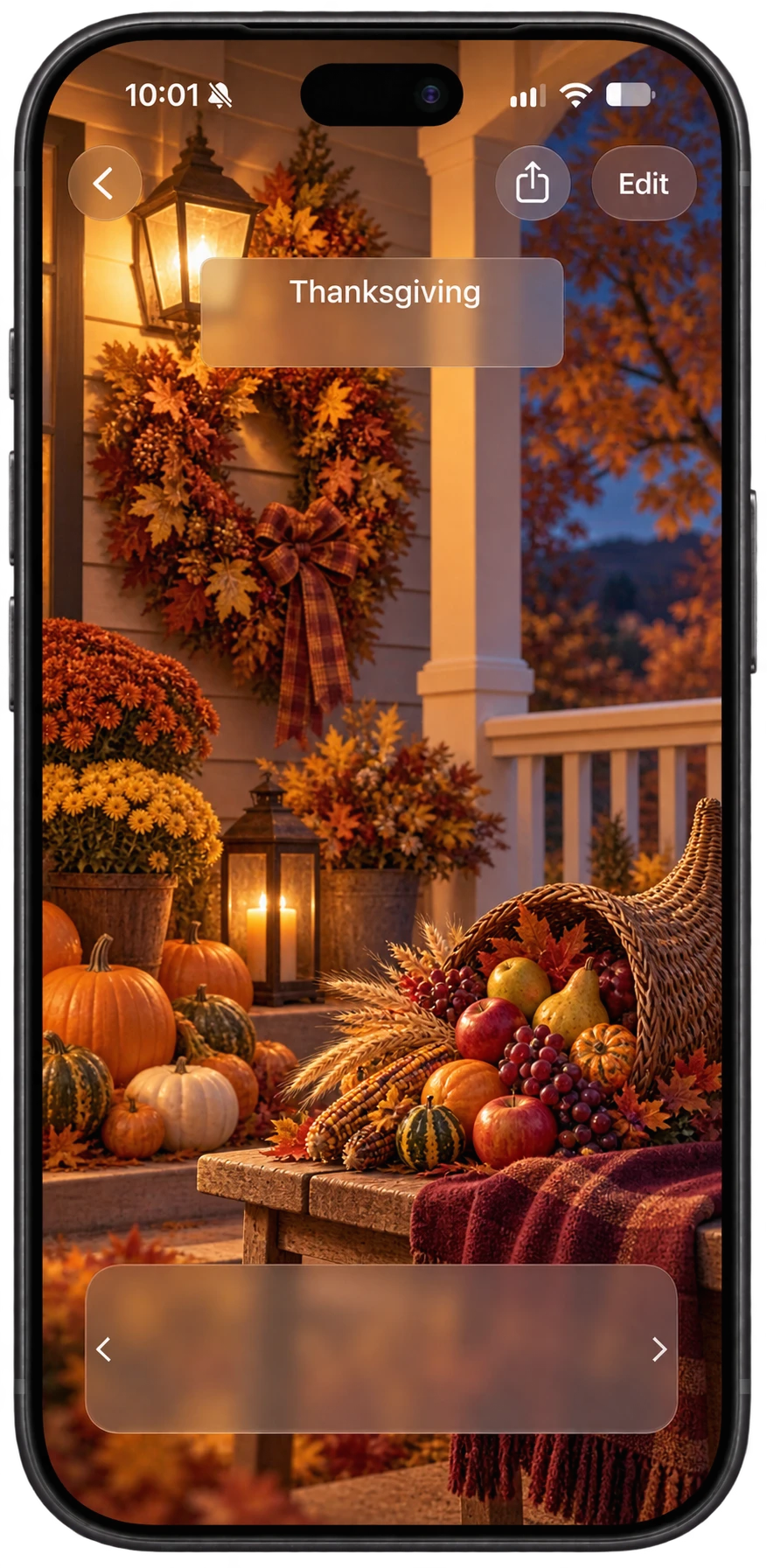
18 days
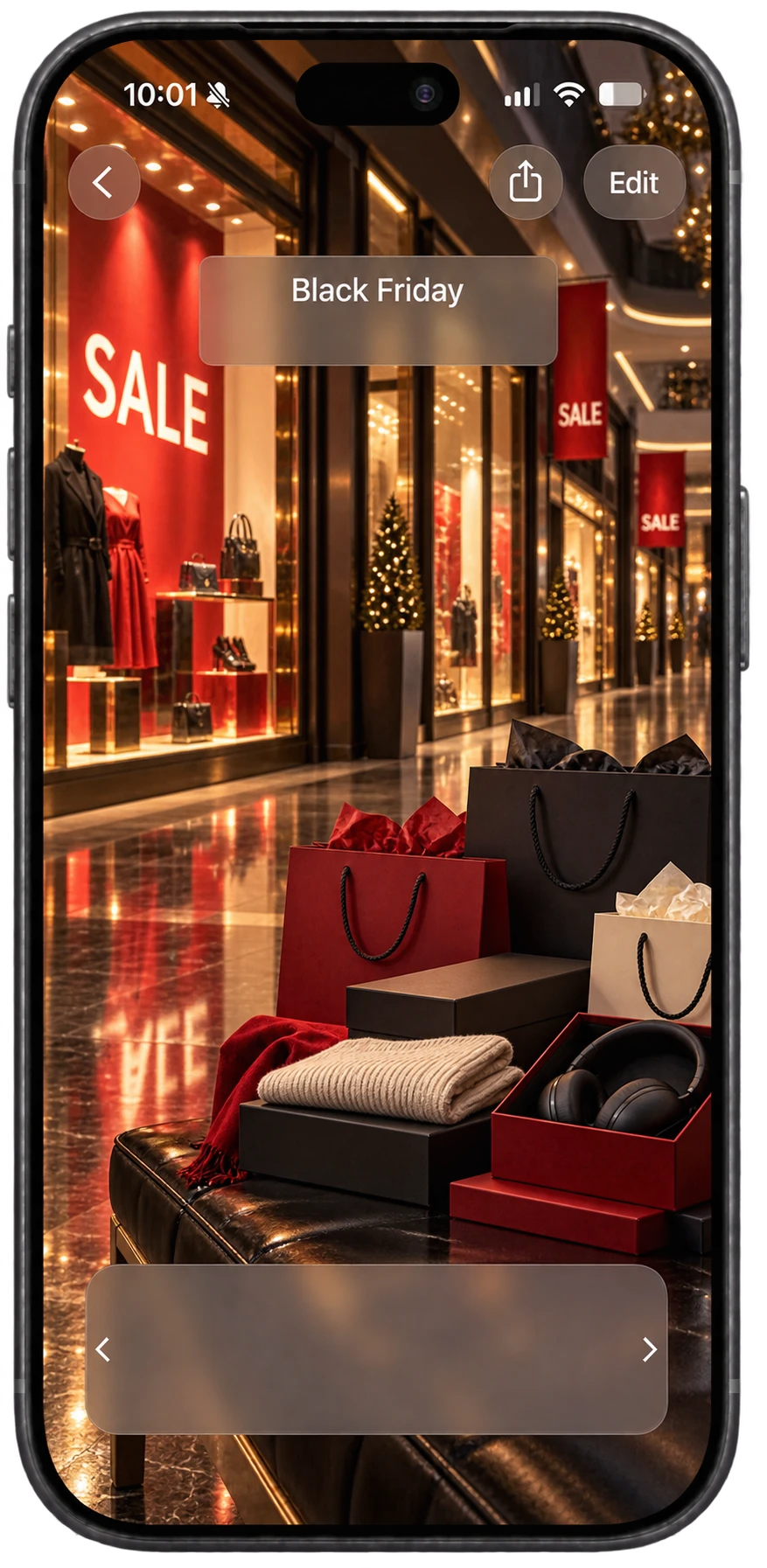
19 days
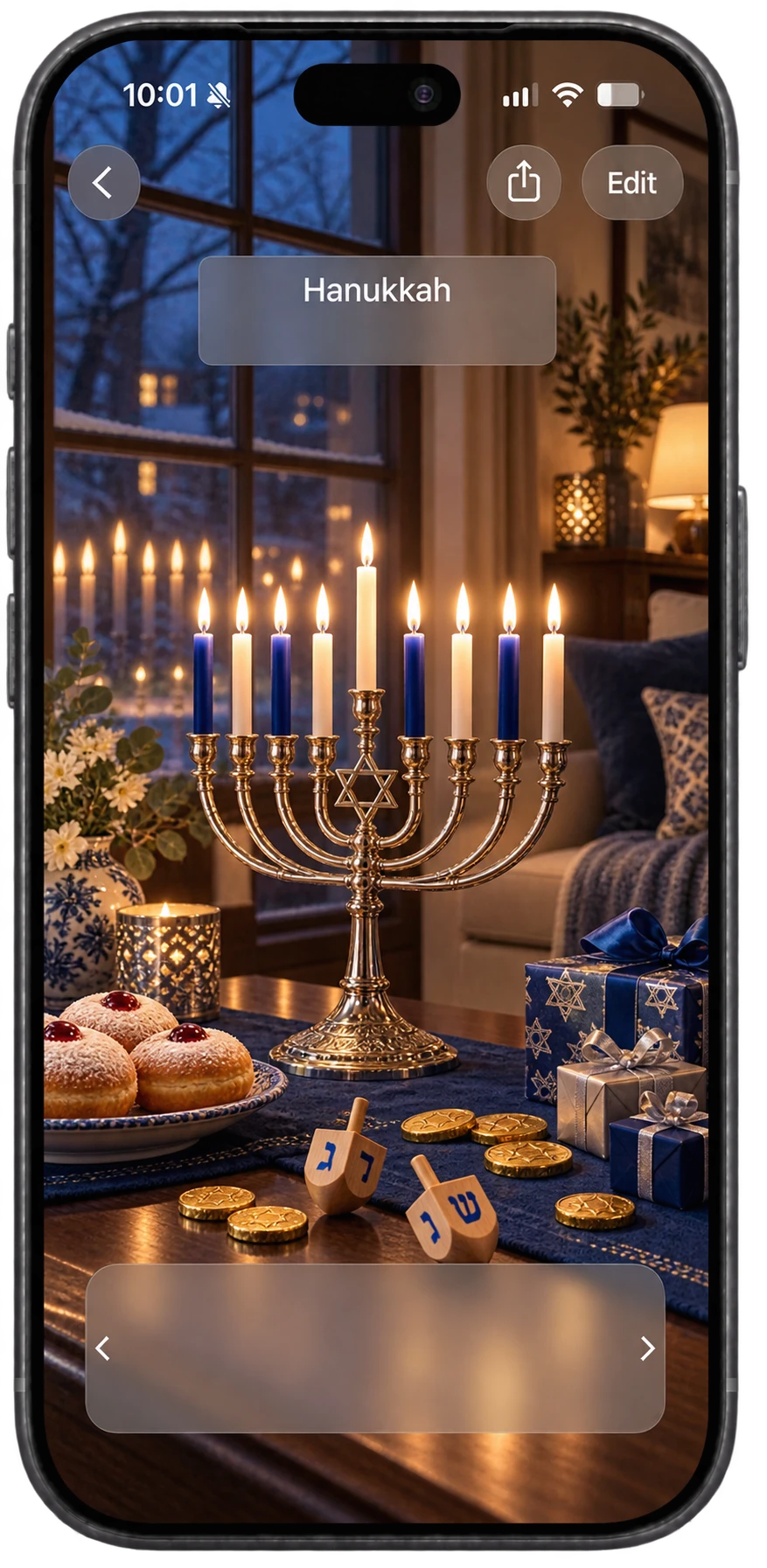
26 days
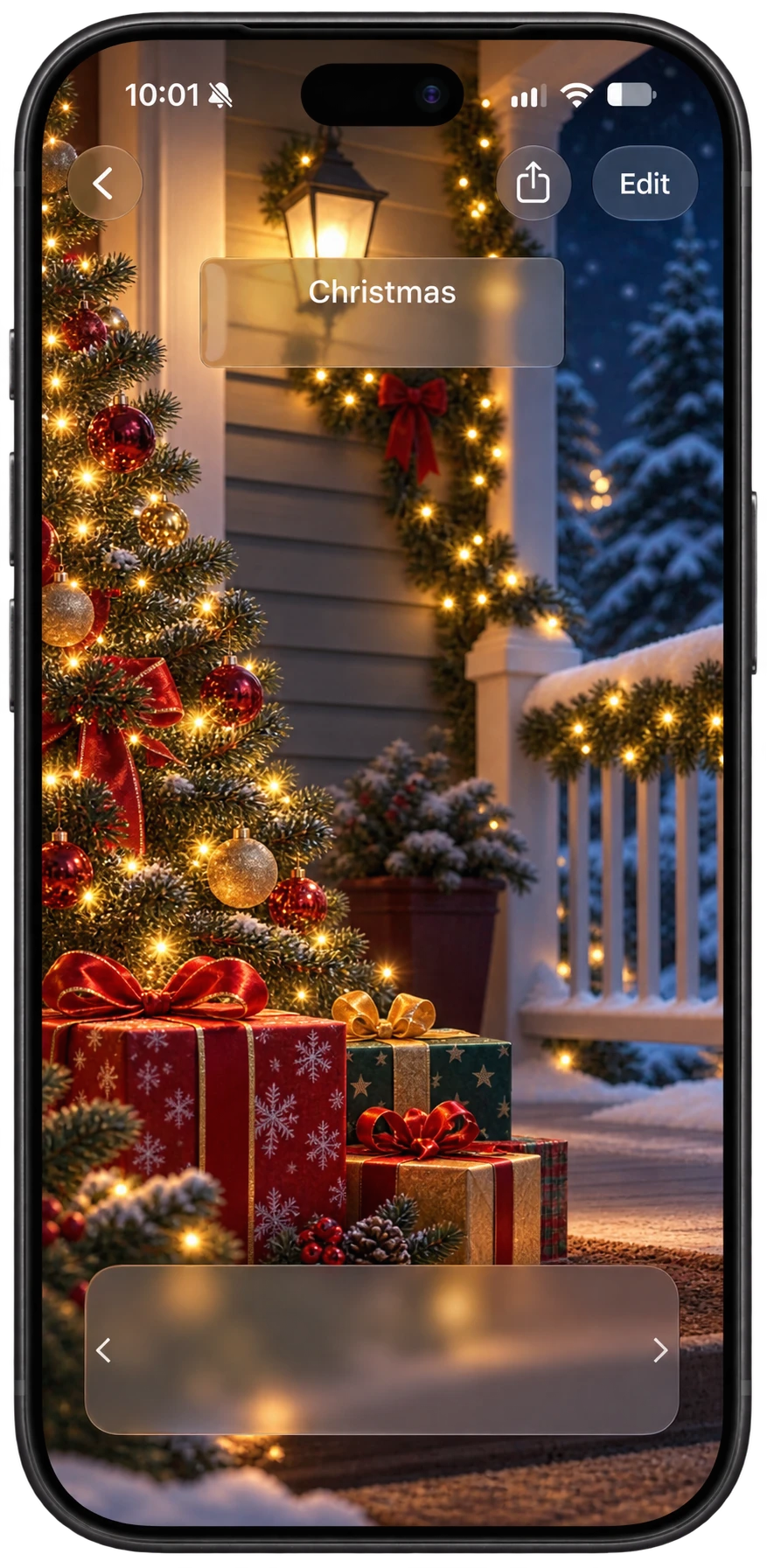
47 days
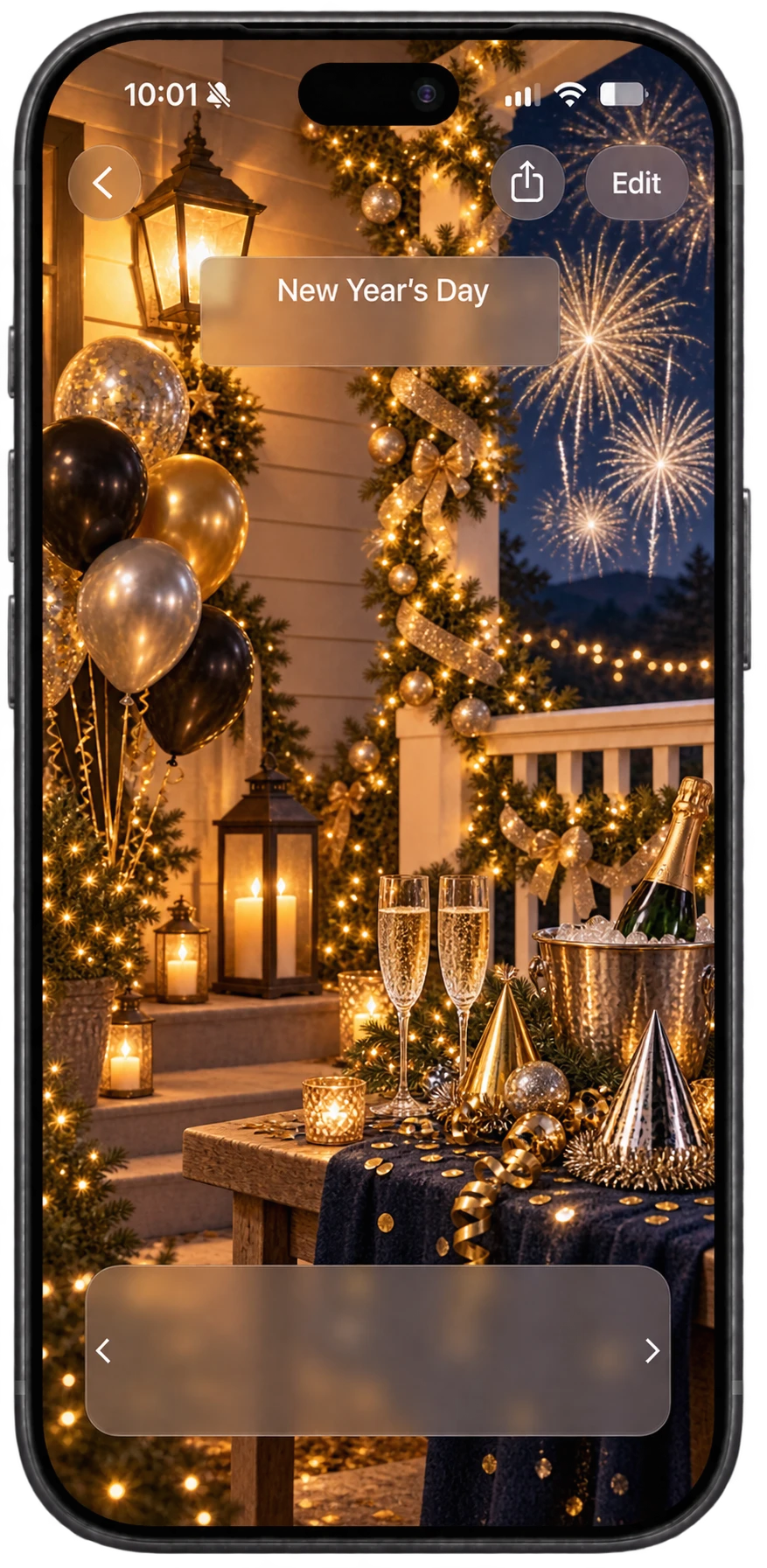
54 days
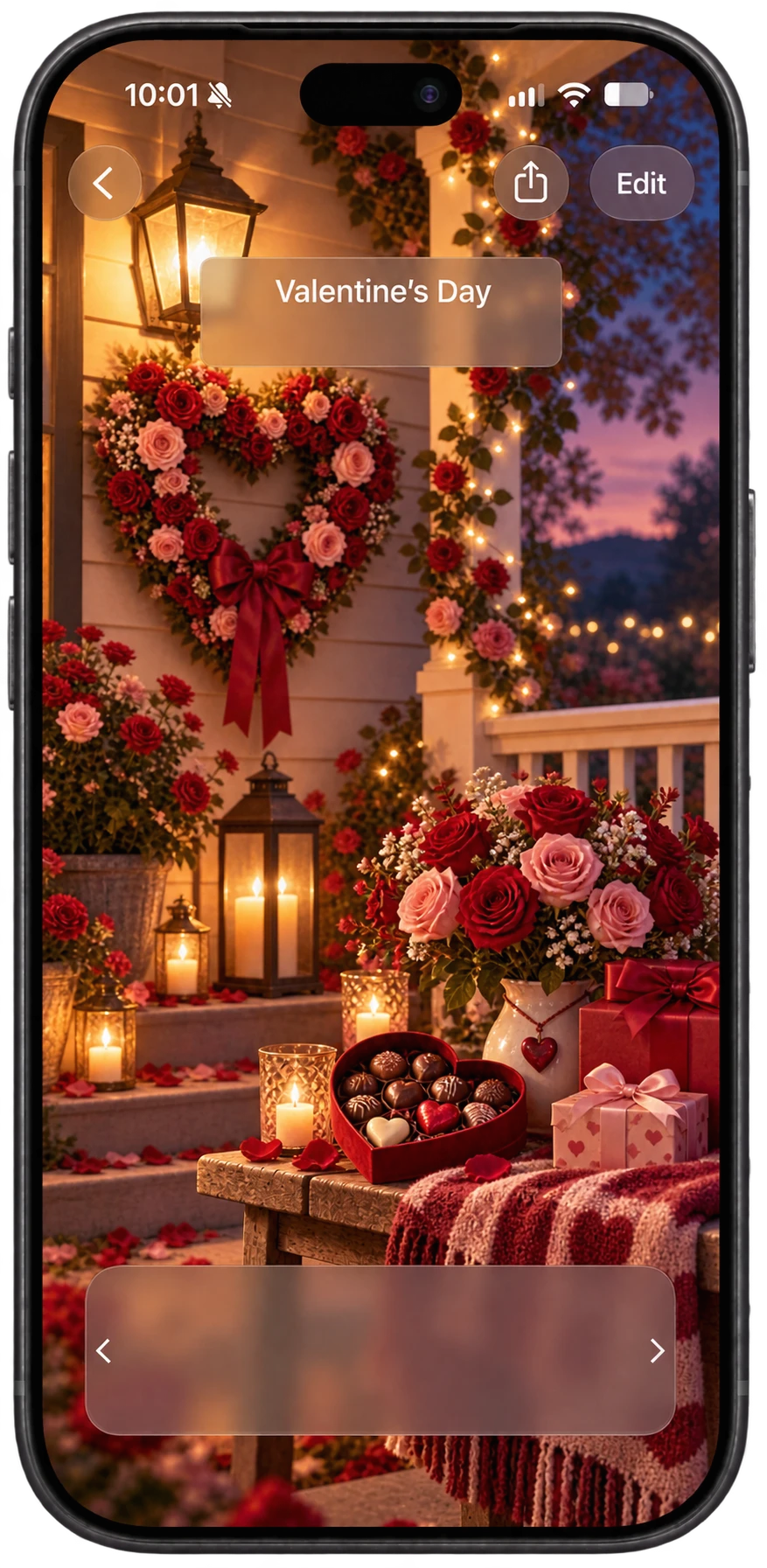
98 days
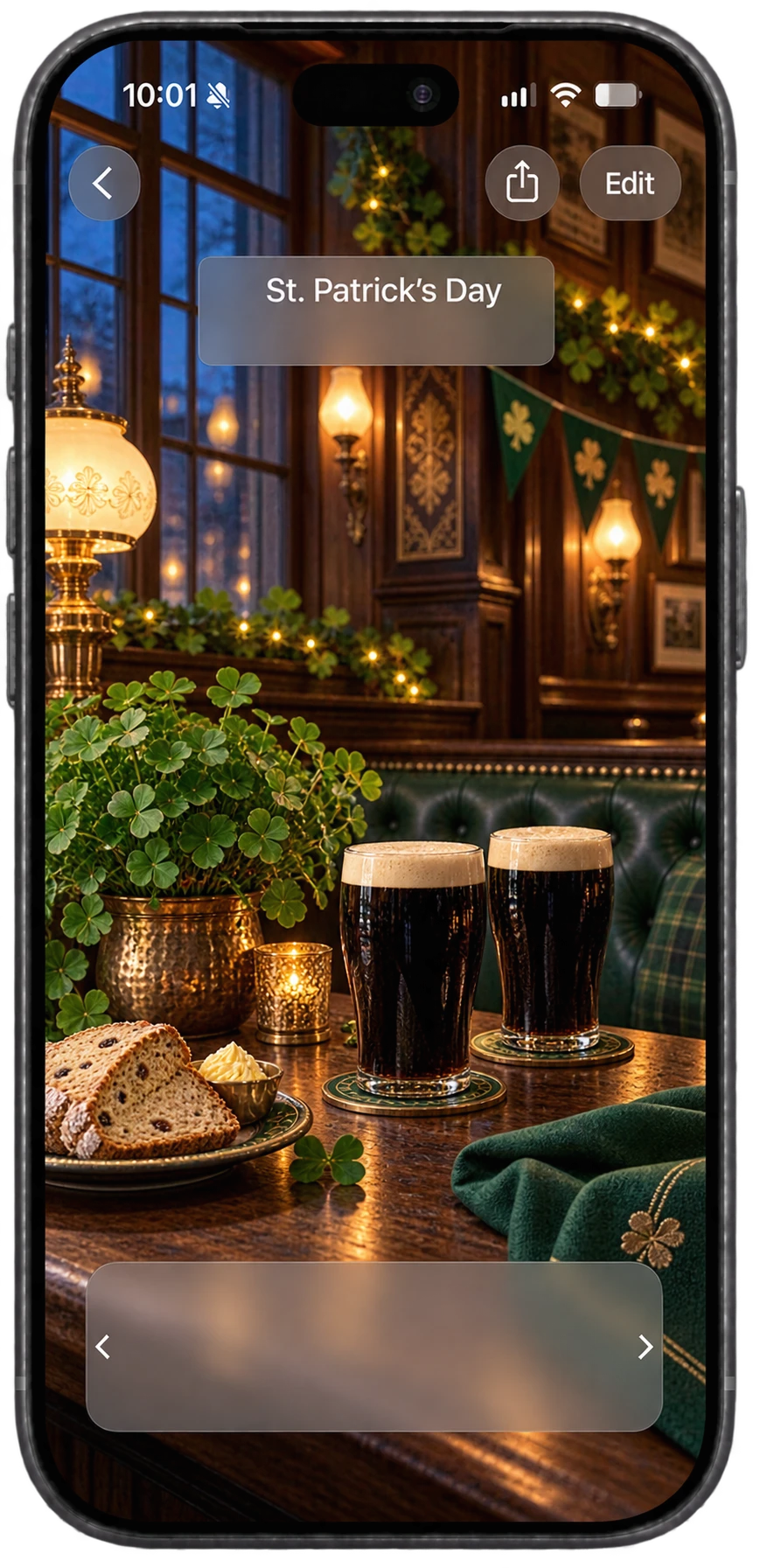
129 days
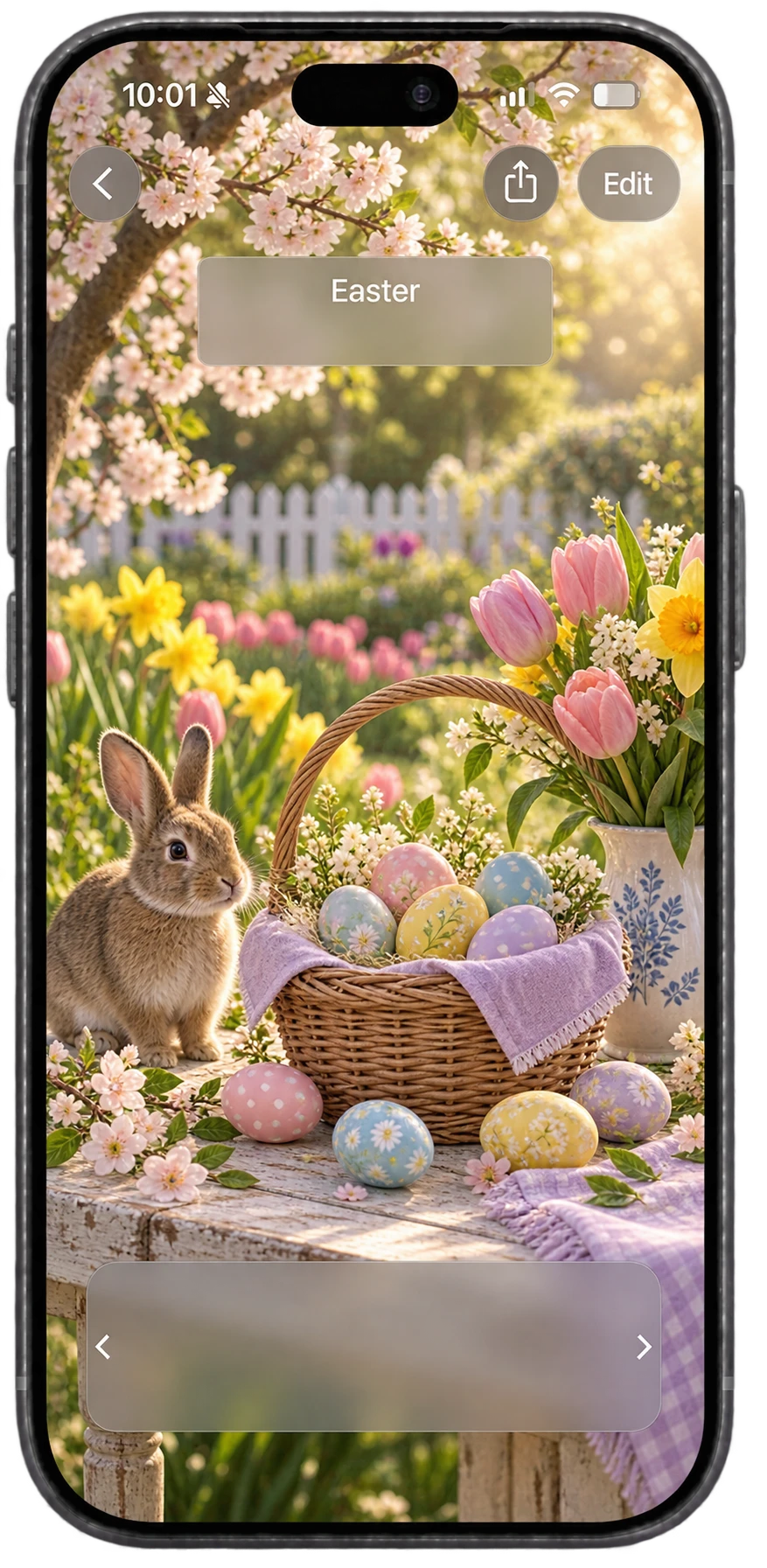
140 days
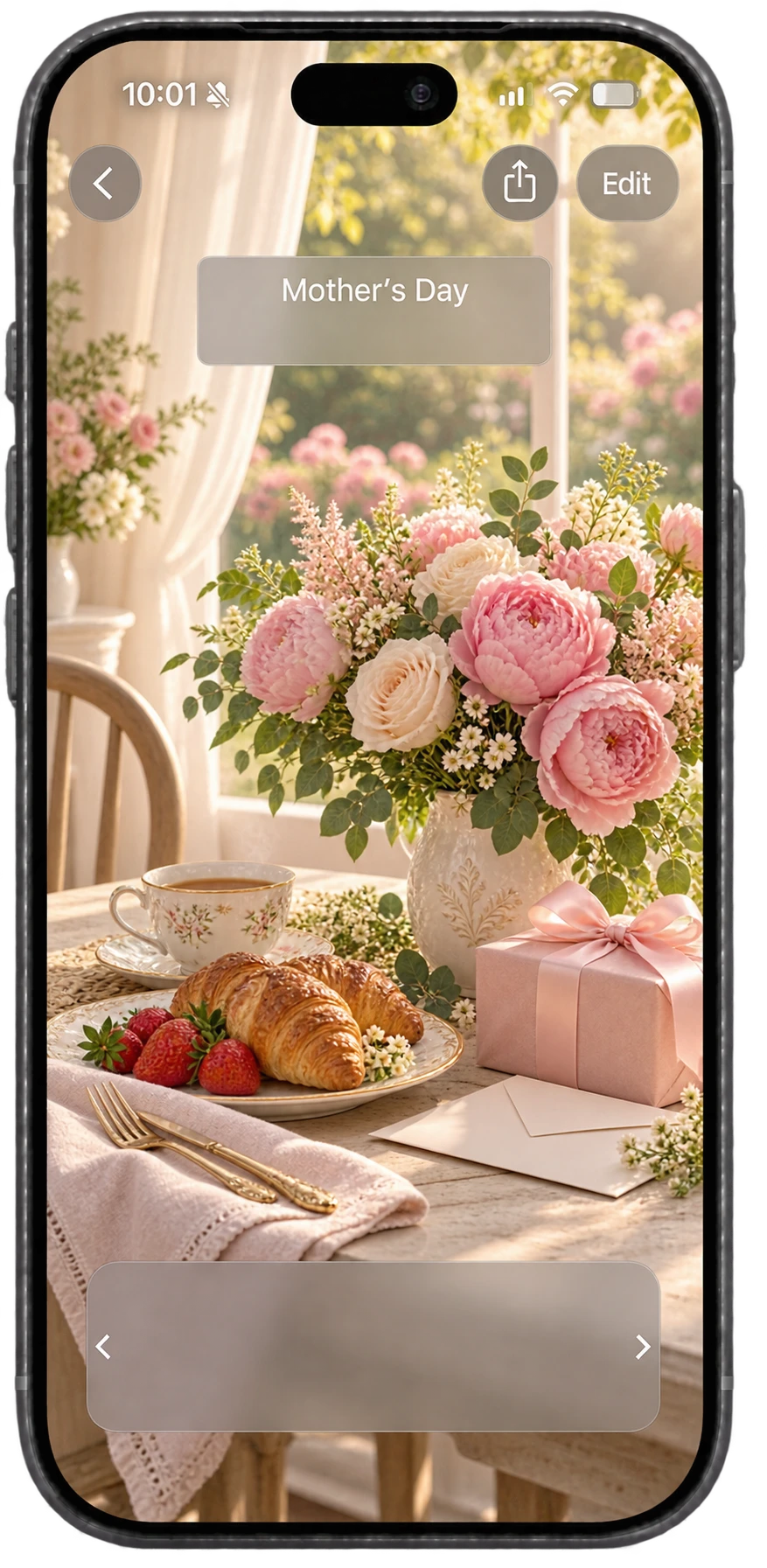
182 days
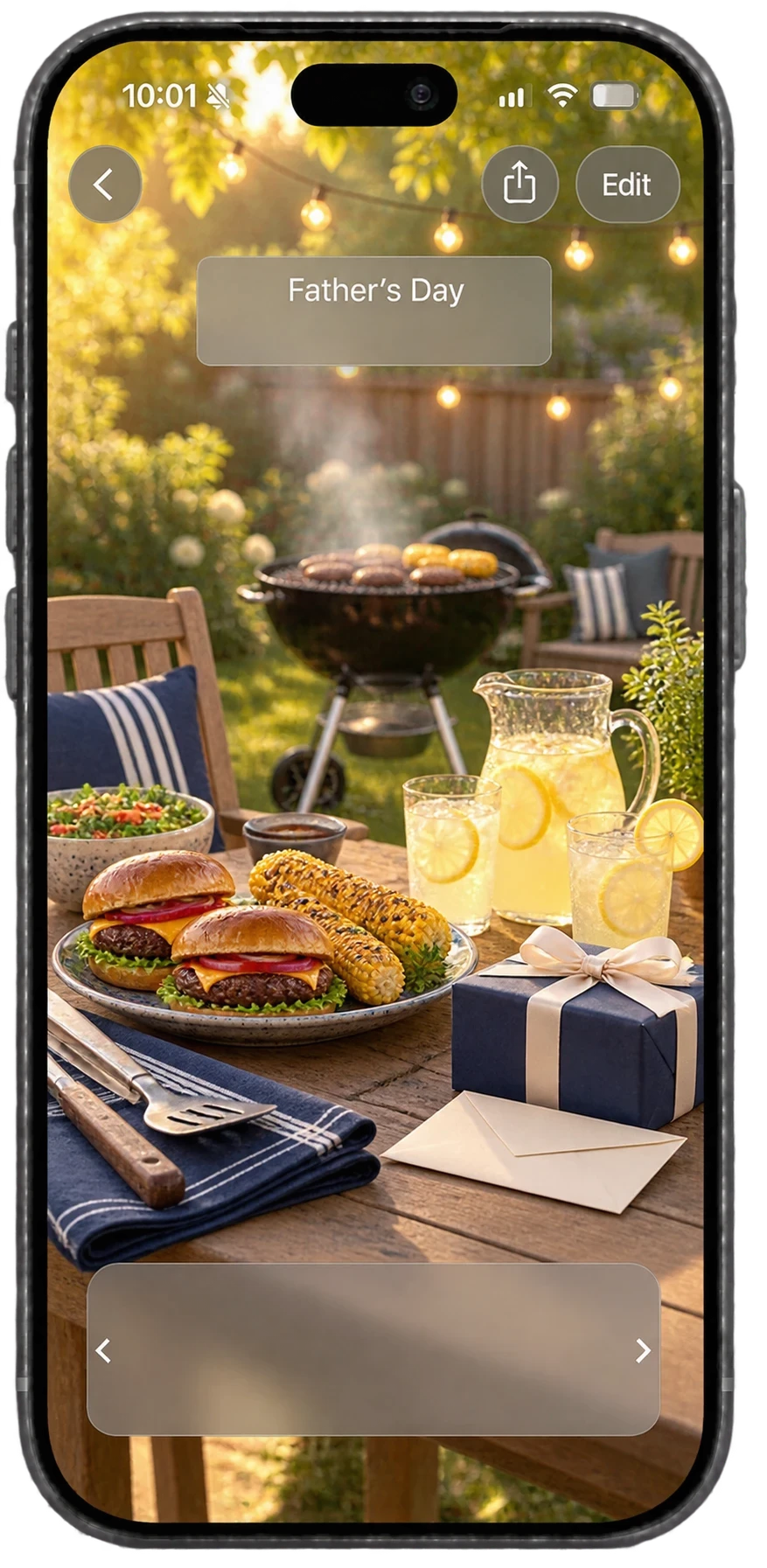
224 days
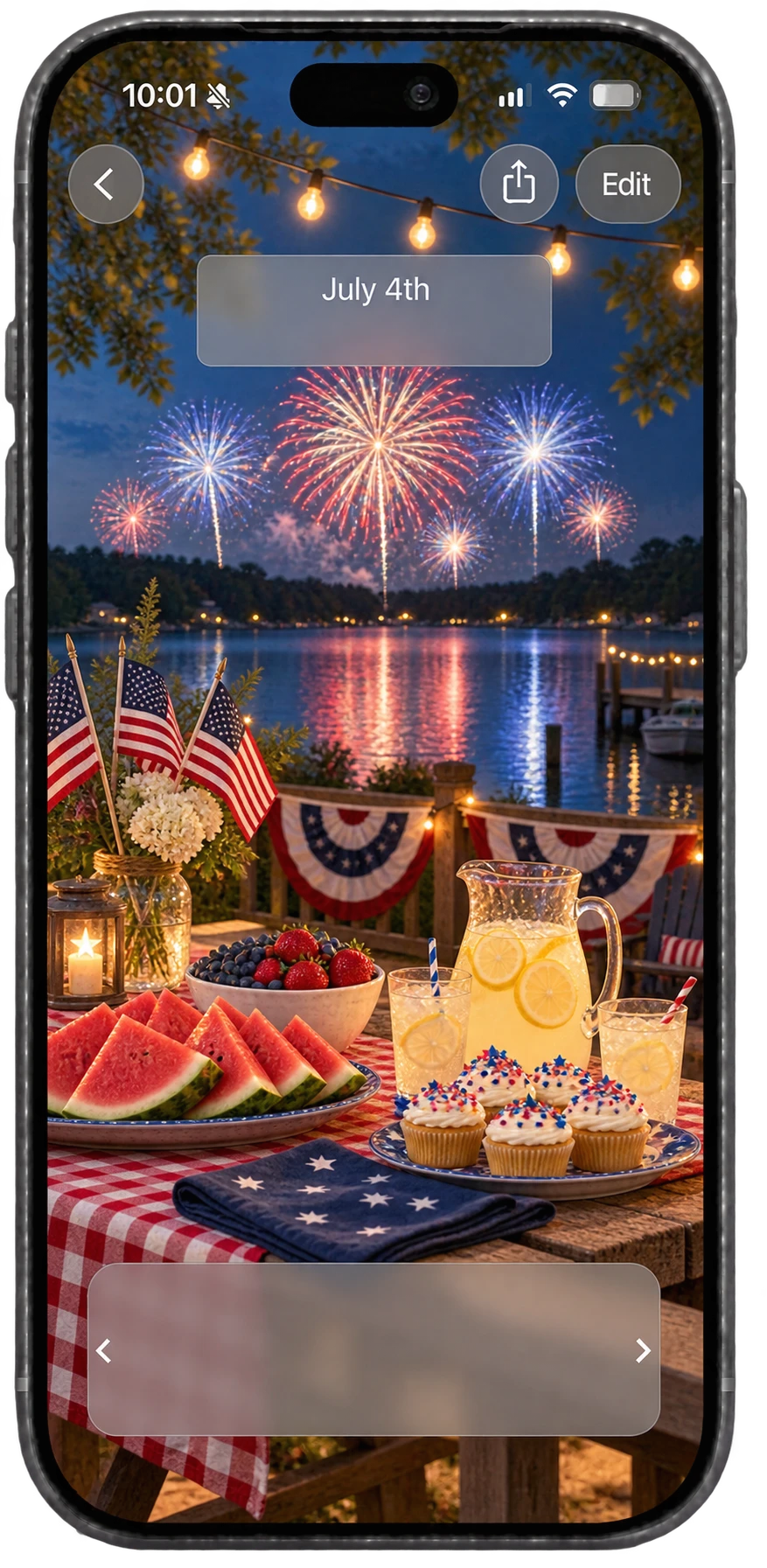
238 days
357 days
Your countdowns automatically sync between devices, including your Apple Watch. You can also AirDrop, text or email countdowns to your friends and family.
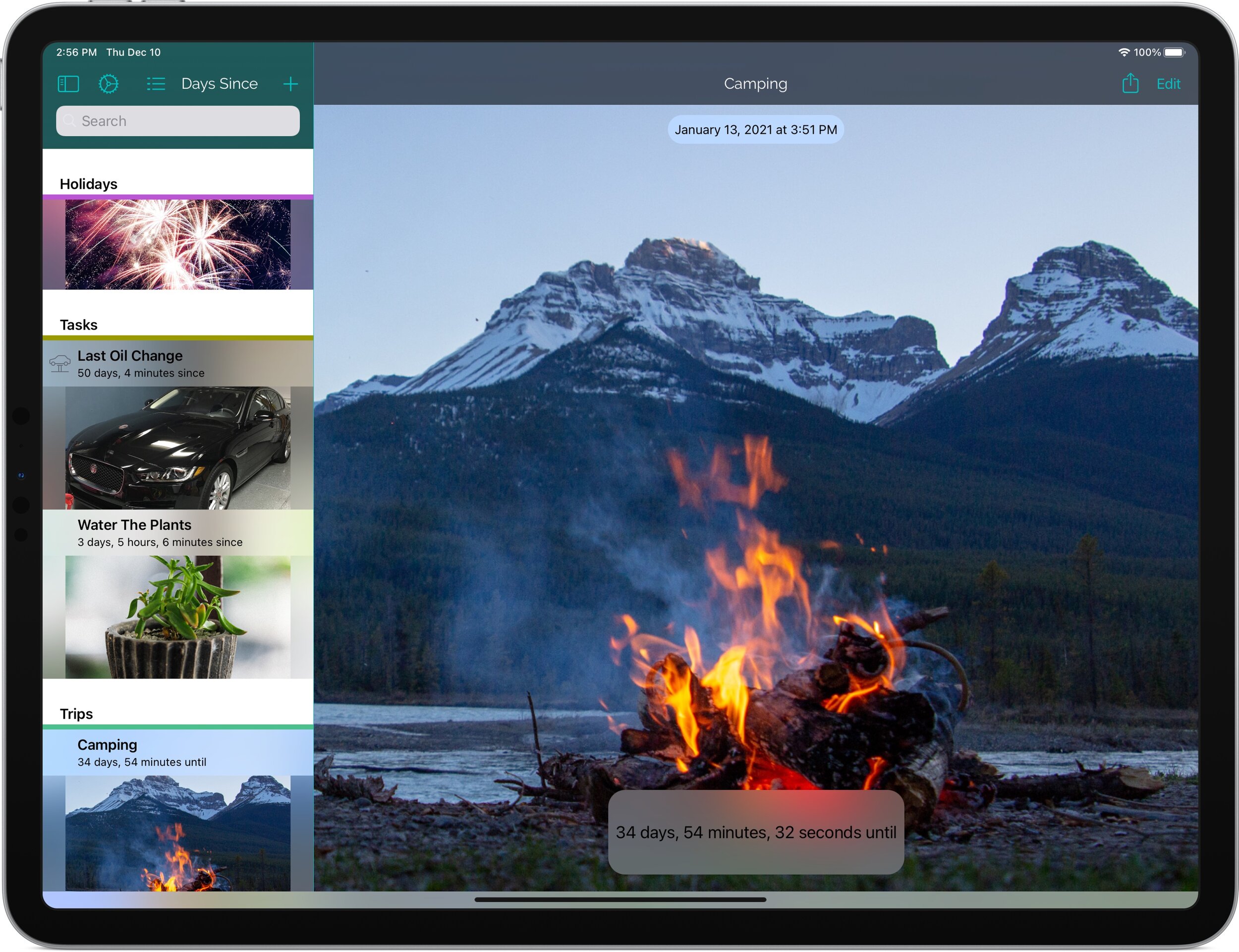
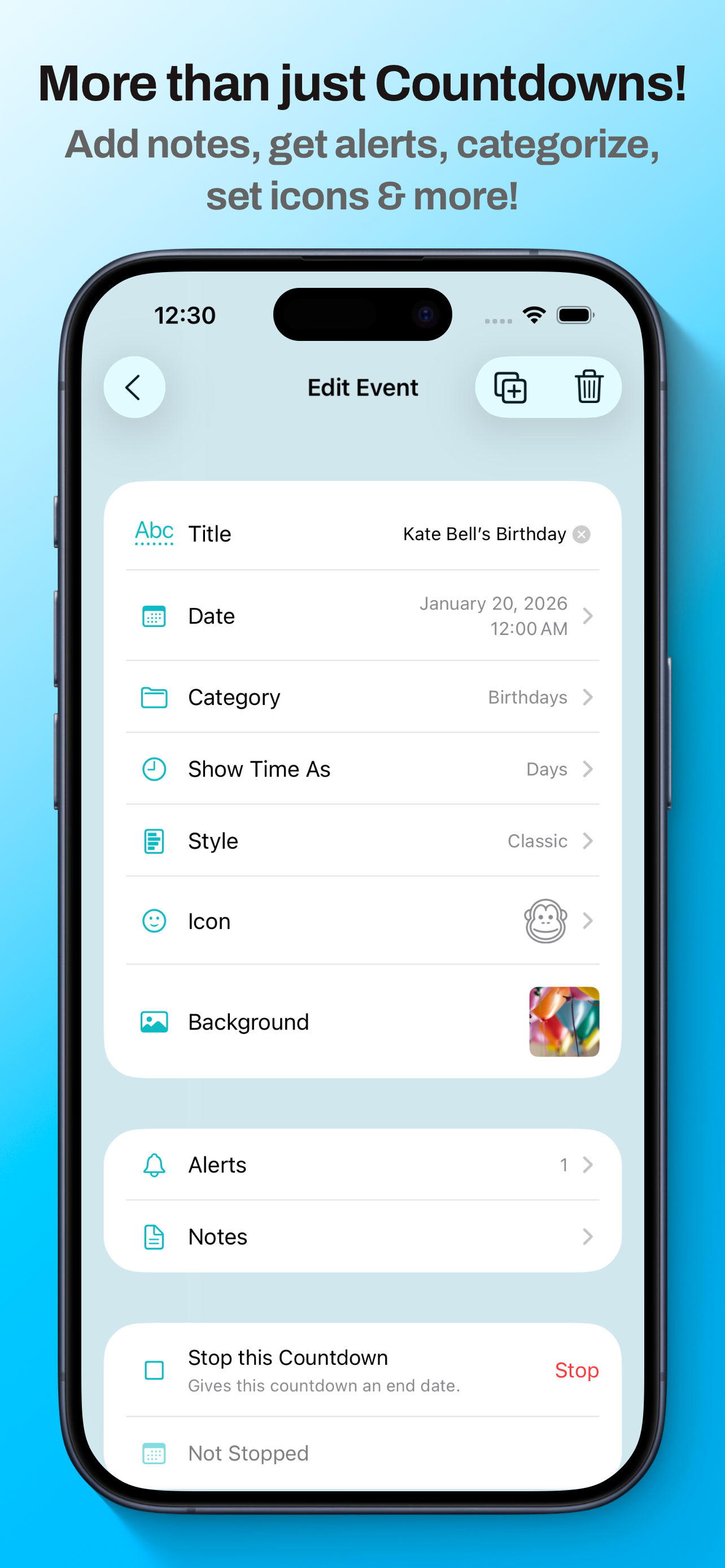
Use your own photos as a background, select a unique icon for each event and choose from eight time formats. You can even add animated effects, like falling snow.
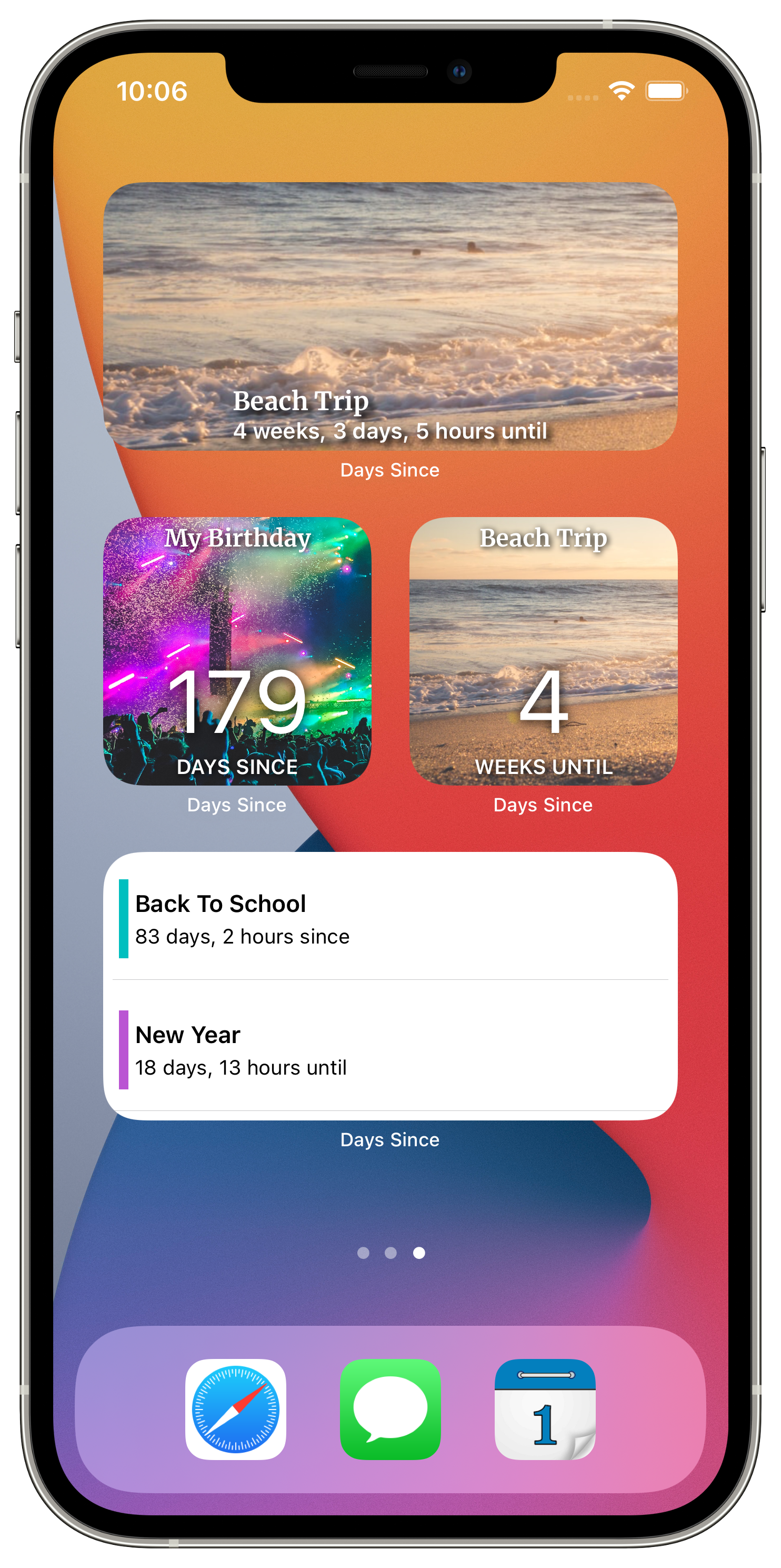
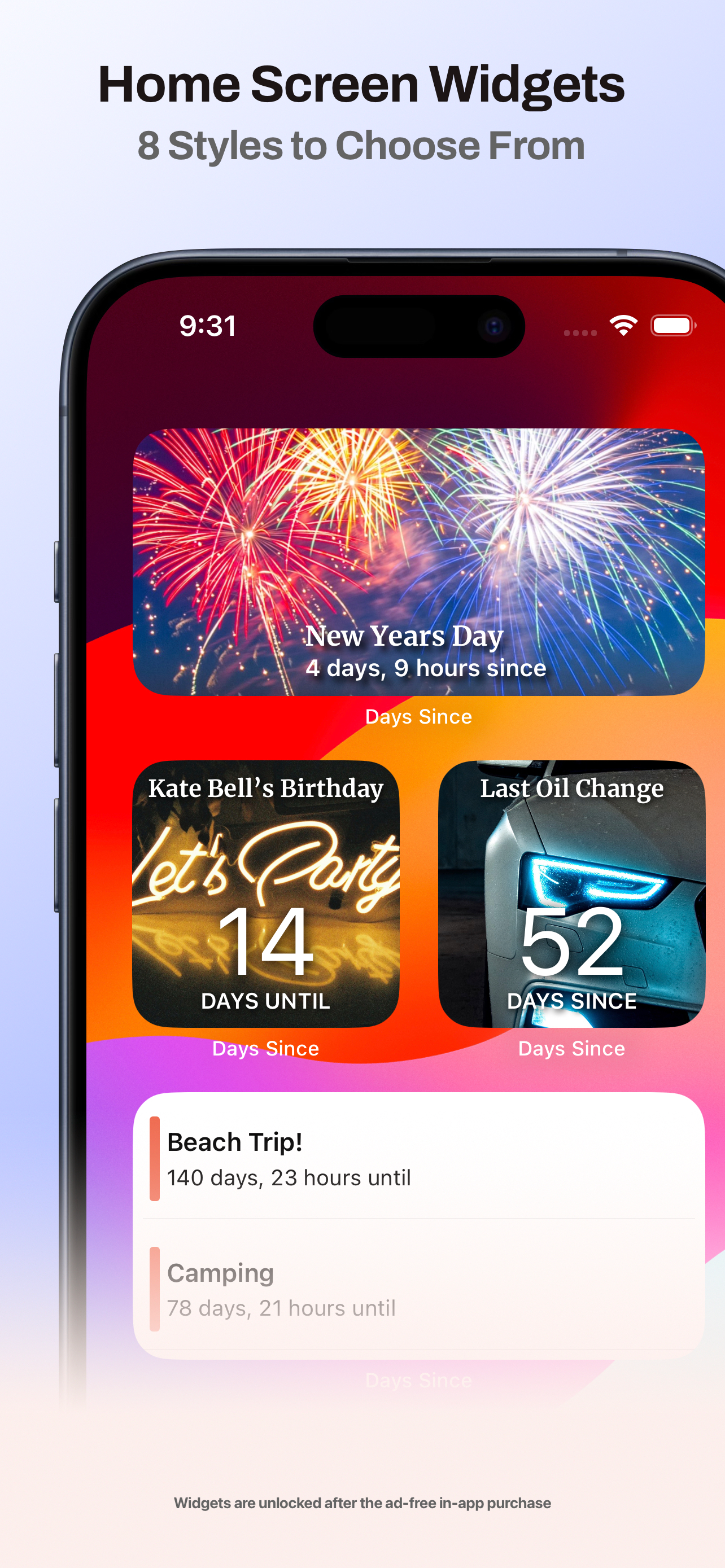
Keep your countdowns on your Home Screen and Lock Screen. Pin a single event or show whatever is coming up next, then choose from nine widget styles and your own text color.
“Hey Siri, how many days until Vacation in Days Since?” On iOS 27, Siri can also create, find, edit, open and delete countdowns, and it understands the countdown on your screen. Your countdowns show up in Spotlight, too.
Invite friends and family to follow the same countdown. Choose whether each person can view or edit it, and every change syncs to everyone through iCloud. Countdown history shows what changed and who changed it, so shared trips, anniversaries and family events stay on track.
Days Since keeps every important date in one place and puts the ones that matter most right where you’ll see them.
Pin a single countdown or show whatever is coming up next. Choose from nine widget styles, including Bold, Vintage, Marker and Spooky, and pick your own text color.
Customize widgetsAdd a specific countdown, or the next upcoming event from all events or one category, straight to your watch face.
Track days until a trip or days since a milestone. View time in seconds, minutes, hours, days, weeks, months, years, weekdays, weekends or even sleeps.
“Hey Siri, how many days until Vacation in Days Since?” Get an instant answer without opening the app.
Siri phrasesSend a countdown by AirDrop, Messages or email, share from the iMessage app, or invite friends and family to plan an event together.
Sharing countdownsCountdowns are stored in your own iCloud account and sync across iPhone, iPad and Apple Watch. Export a backup file any time.
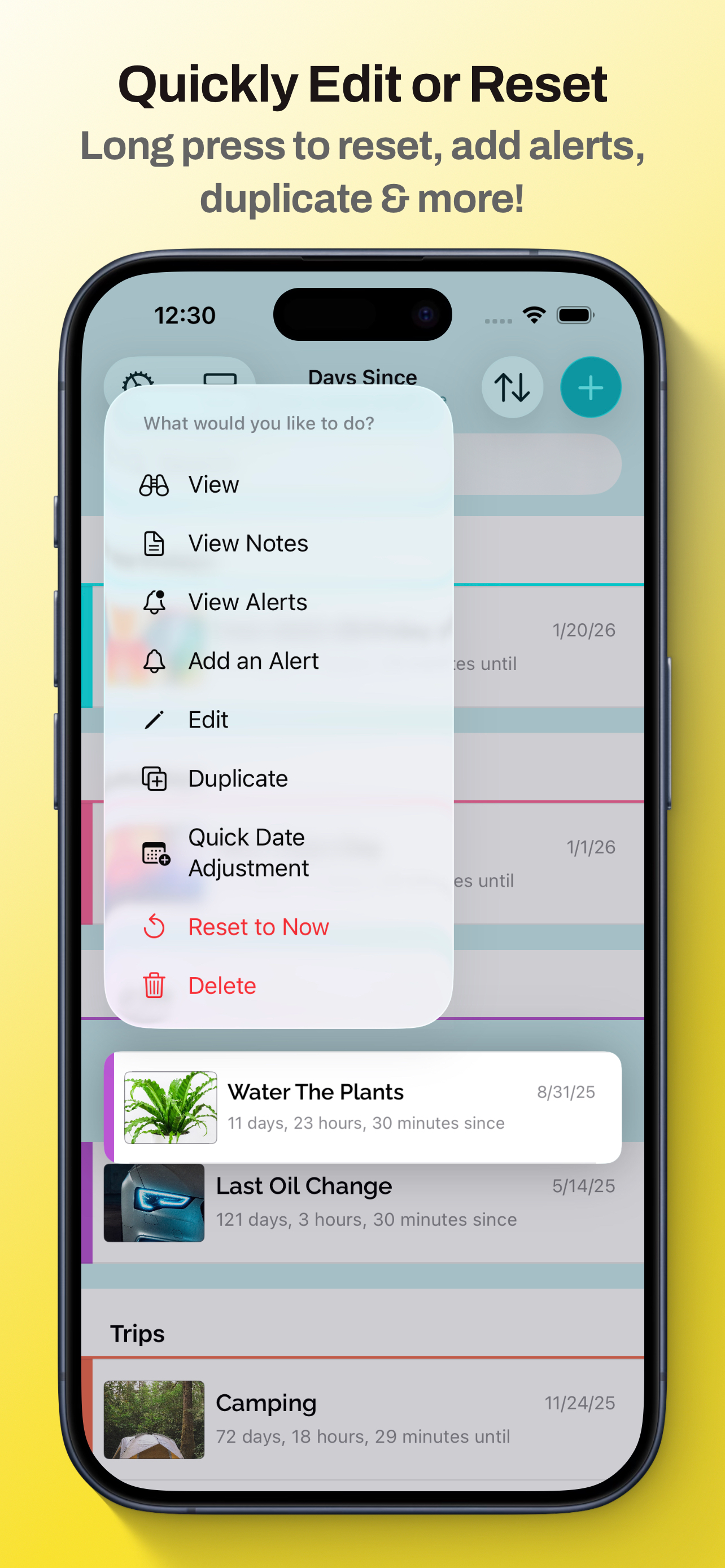
Backing up countdownsBirthday just passed? Push a countdown forward by a day, week, month or year with a long press.
Adjust a dateUse Days Since in English, Spanish, French, German, Italian, Czech, Dutch, Polish, Portuguese or Swedish.
Use Days Since as a birthday countdown, a wedding countdown, a vacation countdown or a days-since tracker for the habits you’re proud of.
Set a yearly reminder and see how many sleeps are left until the big day.
Count down to the wedding, the graduation or the baby’s due date, and share it with everyone involved.
Add a photo of where you’re going and watch the days tick down on your Home Screen.
Track Christmas, Halloween, Thanksgiving and New Year with falling snow and seasonal widget styles.
Holiday countdownsCount up from the day you quit smoking, started a streak or moved into your home.
Know how many days since the last oil change, haircut or time you watered the plants.
Yes. Days Since is free to download and includes unlimited countdowns, custom backgrounds and private iCloud storage. A one-time Unlock Everything purchase removes ads and adds Home Screen and Lock Screen widgets, app colors and animated effects.
Yes. Your countdowns sync to the Days Since Apple Watch app, and you can add complications that show a specific countdown or your next upcoming event on your watch face.
Yes. Pick any date in the past and Days Since shows how much time has passed since then, perfect for tracking milestones, streaks and maintenance.
Yes. With Unlock Everything you can add as many Home Screen and Lock Screen widgets as you like, show a single countdown or your next event, and choose from nine widget styles.
Yes. Countdowns are stored privately in your iCloud account and sync automatically between your iPhone, iPad and Apple Watch. They also return when you set up a new device.
Yes. Share a countdown as an image, send a copy by AirDrop, Messages or email, or invite others to collaborate so everyone sees the same event.
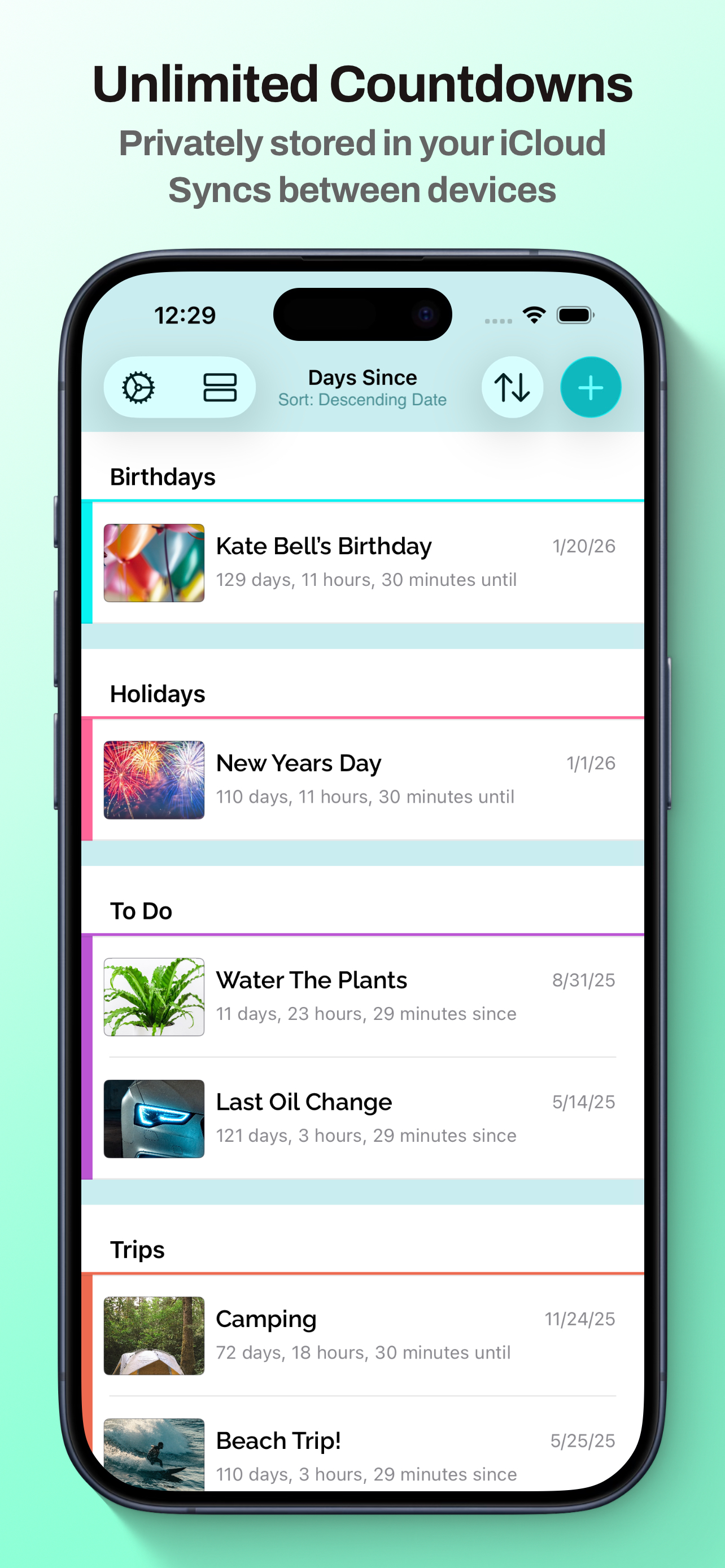
Unlimited countdowns, custom backgrounds and private iCloud sync on your iPhone, iPad and Apple Watch.