Falling snow
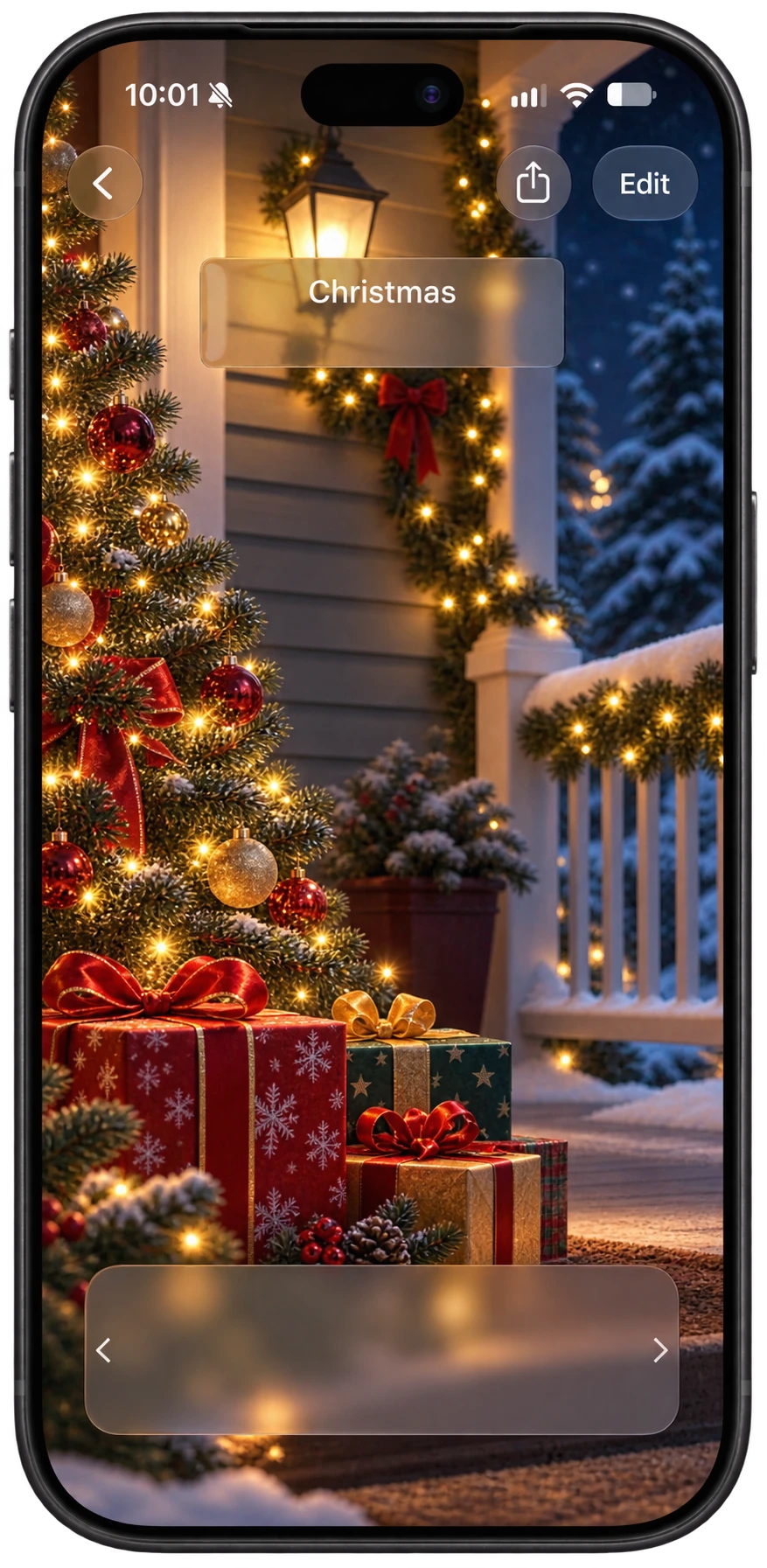
Turn on Let it Snow and your Christmas countdown gets falling snowflakes. You choose how heavy the snow is and even the color of the flakes.
33 days
until Christmas on
It’s Christmas Day! Merry Christmas.
Days are complete 24-hour periods. Sleeps count the nights before the holiday.

Christmas Day is December 25 every year. Here’s the day of the week it lands on:
| Year | Date | Day |
|---|---|---|
| 2026 | December 25 | Friday |
| 2027 | December 25 | Saturday |
| 2028 | December 25 | Monday |
| 2029 | December 25 | Tuesday |
| 2030 | December 25 | Wednesday |
| 2031 | December 25 | Thursday |
Turn on Let it Snow and your Christmas countdown gets falling snowflakes. You choose how heavy the snow is and even the color of the flakes.
Set one-time alerts for the last day to order gifts or the night you’re wrapping, so December doesn’t sneak up on you.
Add a widget and the days left are there every time you unlock your phone.
Invite family to the countdown and everyone sees the same number, on their own iPhone, iPad or Apple Watch.
Add a Days Since widget and it counts down to December 25 on its own, every day, without opening the app.
Get Days Since freeSleeps count the nights left before Christmas morning. The day countdown shows complete 24-hour periods, so the number of sleeps can be one higher.
Create the countdown in Days Since, then add a Days Since widget to your Home Screen or Lock Screen and choose the Single Countdown widget.